AI Photo Styler
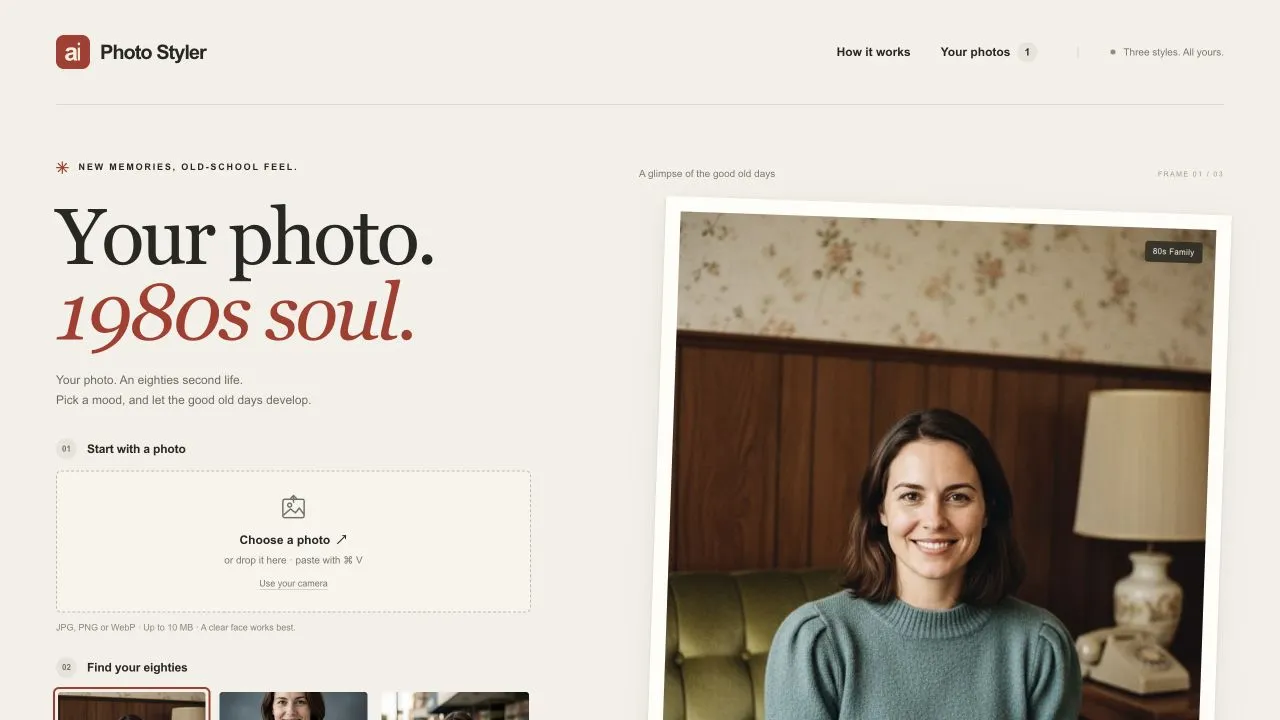
VisitGive a photo an eighties-inspired Family, Studio or Street look. Compare the result, keep favorites and download a JPEG. Free beta with a daily allowance and no sign-up.
Pick the mood of your next portrait
AI Photo Styler offers three eighties-inspired presets for a simple creative photo project. Choose 80s Family for a warm family-album mood, 80s Studio for a softly lit portrait direction, or 80s Street for a more casual vintage street-style look.
Start with a clear, well-lit photo that you own or have permission to process. Upload a JPG, PNG or WebP file up to 10 MB, then select the preset that fits the picture you have in mind. The short menu makes it easy to choose a direction without building a detailed custom prompt.
When the result is ready, use the comparison slider to look between the original and the styled image. Consider which mood works for an avatar or a personal photo collection, then download the version you want to keep as a JPEG with a small product watermark.
Recent results and favorites stay in the same browser when browser storage is available, so you can revisit your choices. Download preferred images for a separate copy.
The current free beta requires no account. Each network can complete up to three successful generations per UTC day, subject to availability and site-wide limits. People sharing a network can share that allowance.
Similar to AI Photo Styler
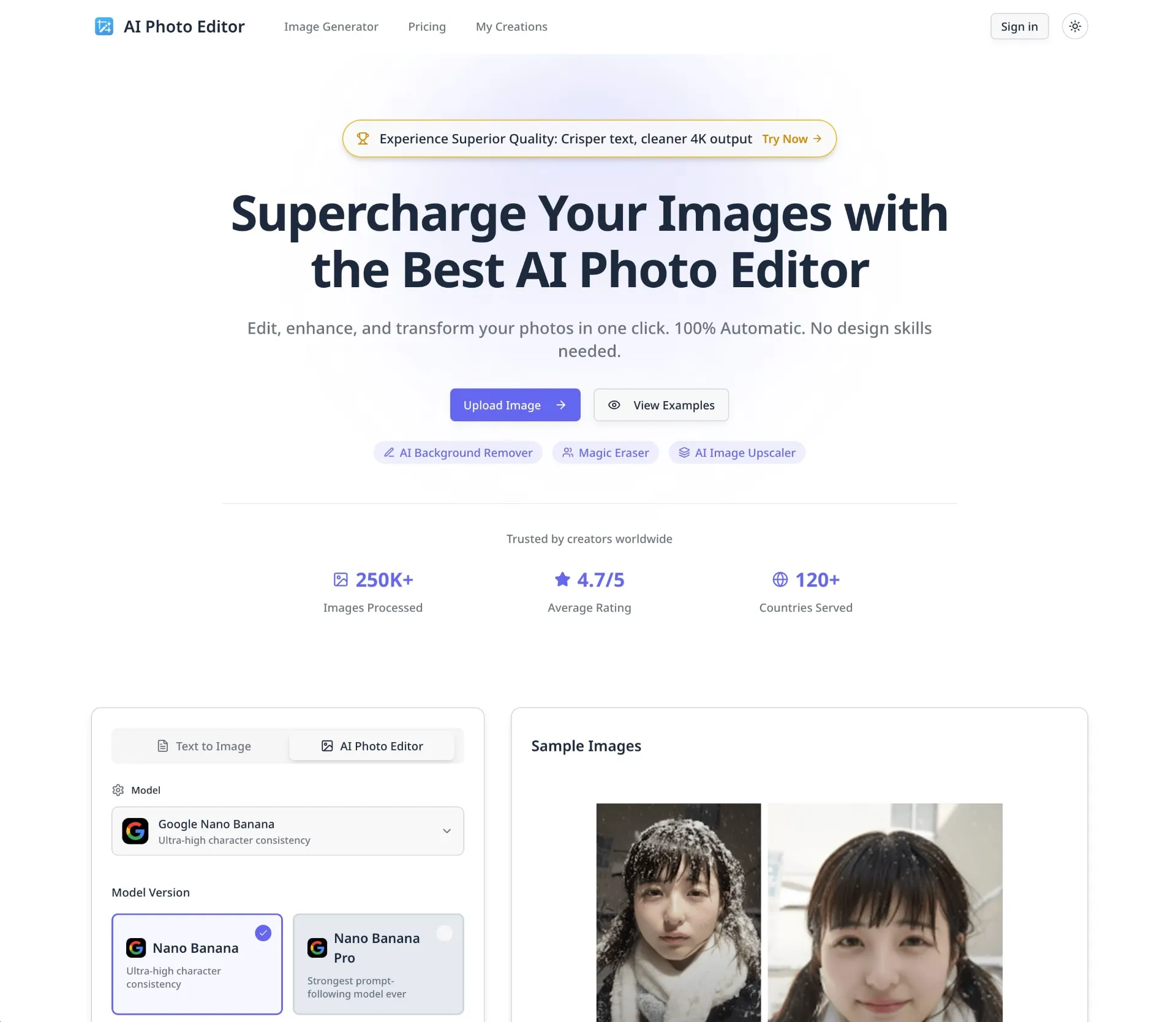
Instantly turn blurry photos into clear 4K images and remove backgrounds with one click.
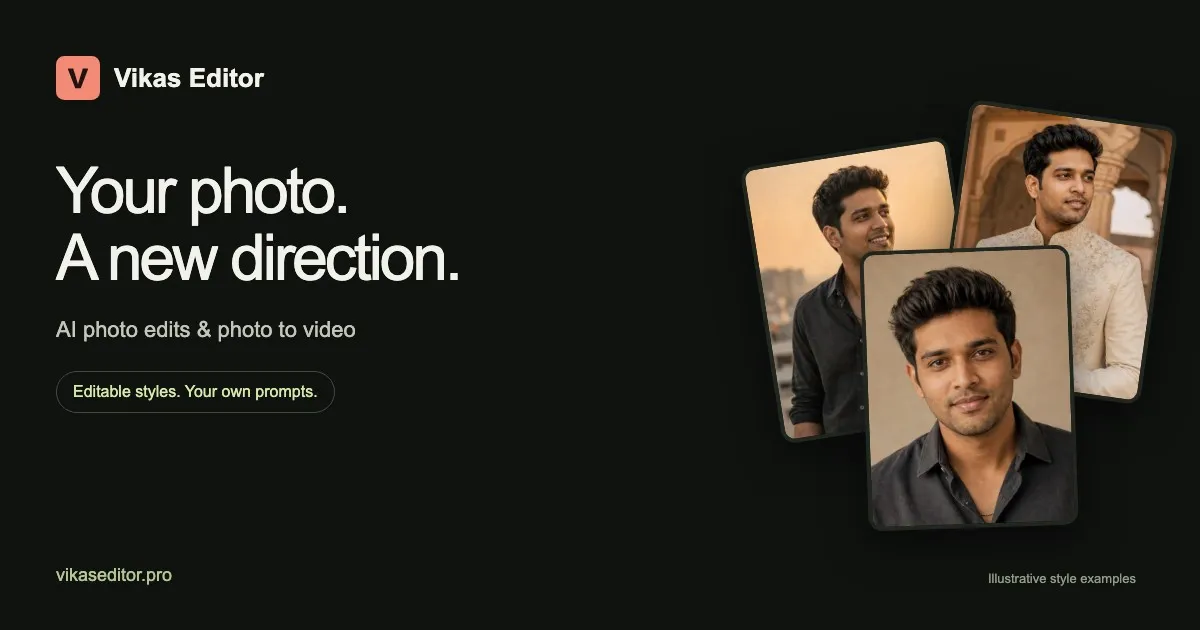
AI photo styles, prompts & custom edits — turn your photo into stylized looks or a short video.
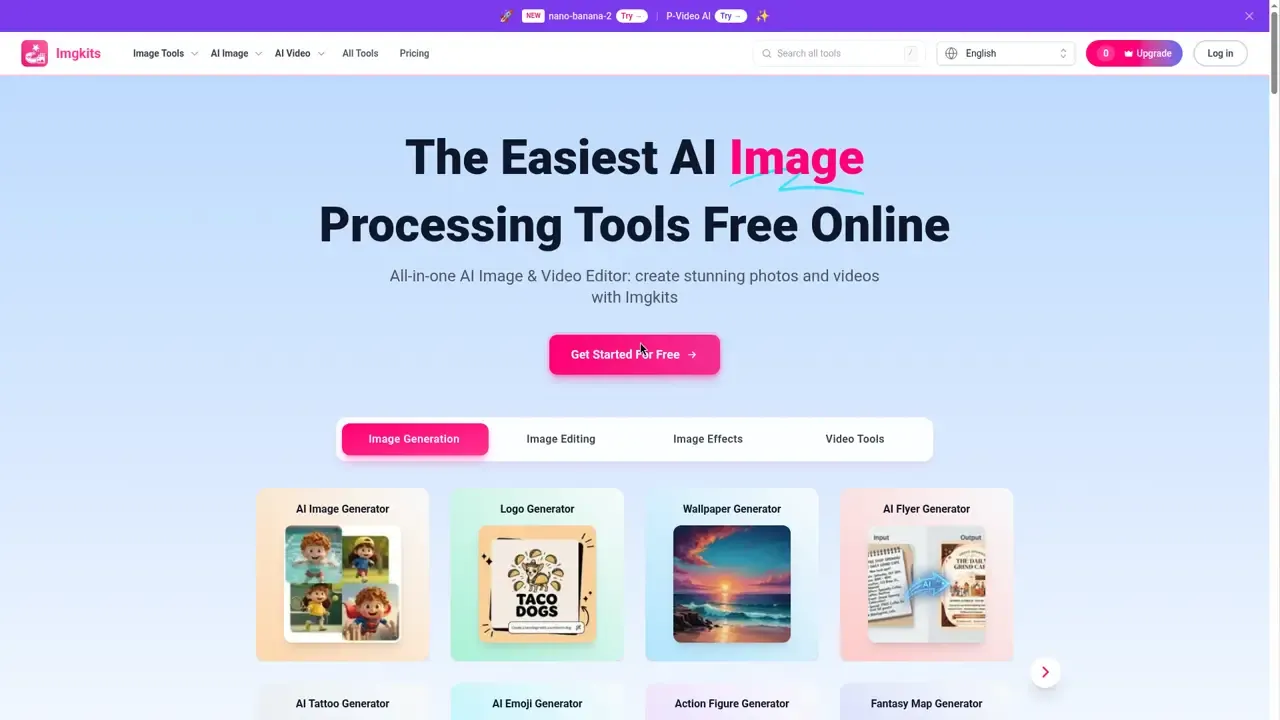
Imgkits is an all-in-one online AI-powered image and video editing platform. Instantly remove objects, restore photos, edit backgrounds, enhance images, and apply creative filters.
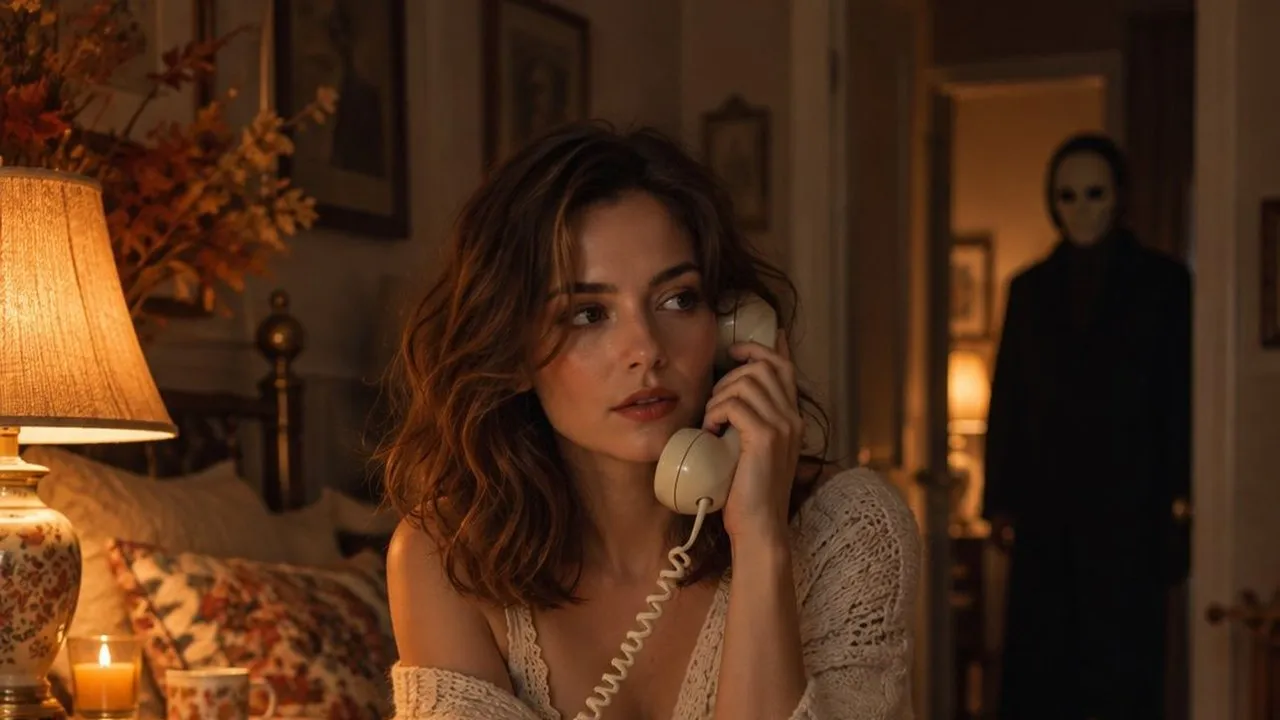
Choose a Halloween template, upload your photo, and get a costume portrait—no long prompts. Solo, couple, and pet styles with credit-based generation. AI costume portrait tool