How to Choose the Right AI Tool
The best AI tool for your project depends on the result you need,
your budget, and how you plan to use the output. Use these checks to narrow your shortlist.
Start with a specific task
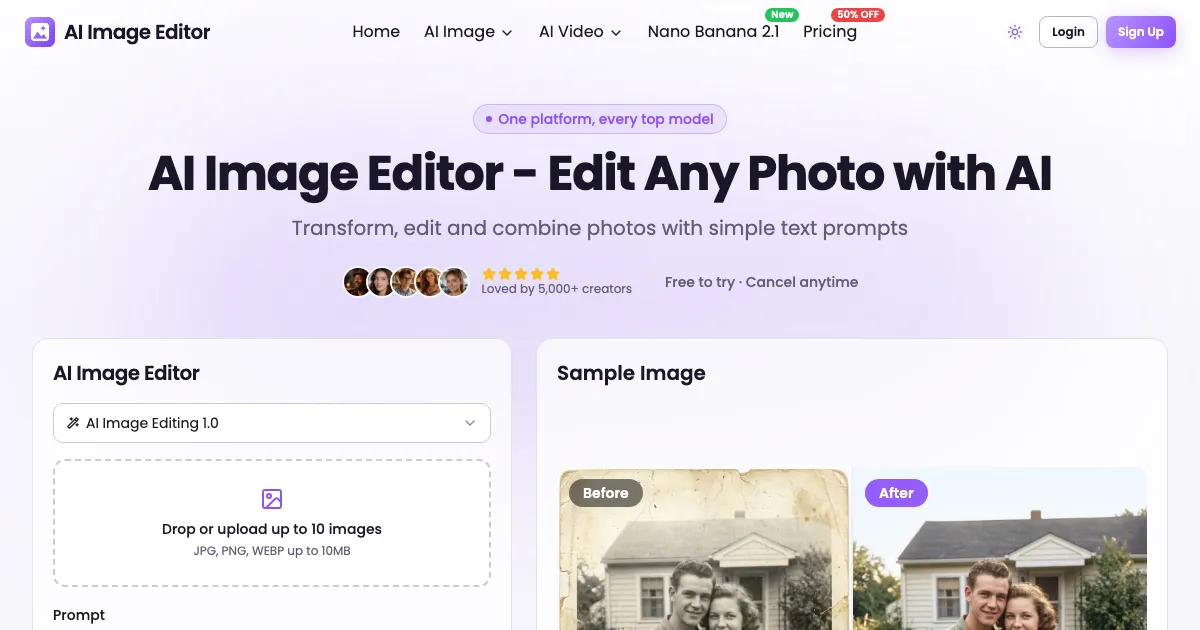
Define what you want to produce: a product photo, a short video, an article draft, or a code change. Browse the matching category and shortlist two or three tools that support your input and output formats. A focused task makes comparisons more useful than a long feature list.
Compare results on the same brief
Give each tool the same prompt or sample file. Check accuracy, consistency, editing controls, and how much manual cleanup is needed. For creative work, compare several outputs; for writing or code, verify the result against your requirements rather than judging fluency alone.
Check the full cost
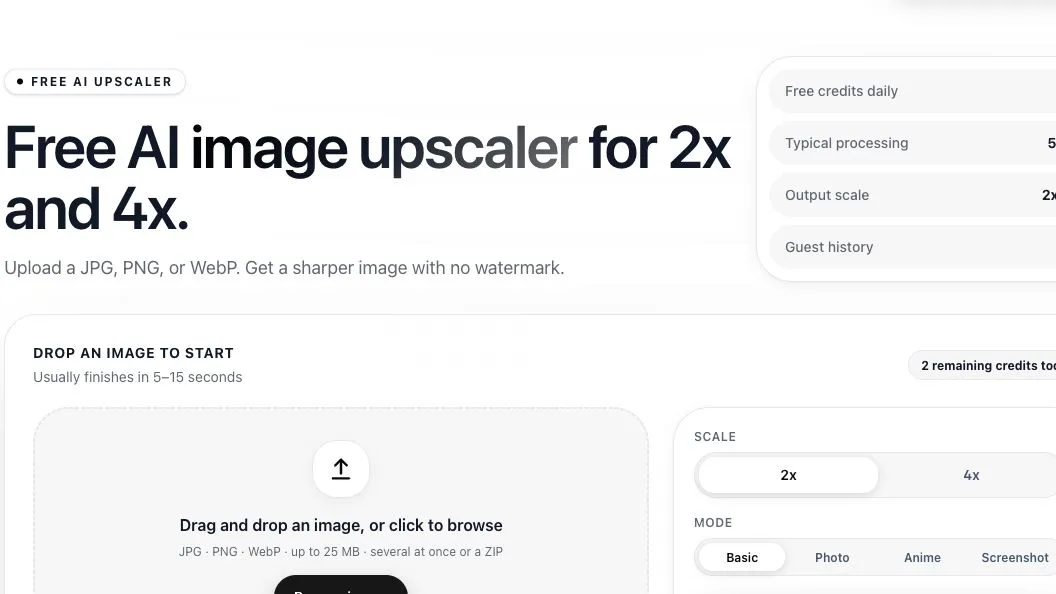
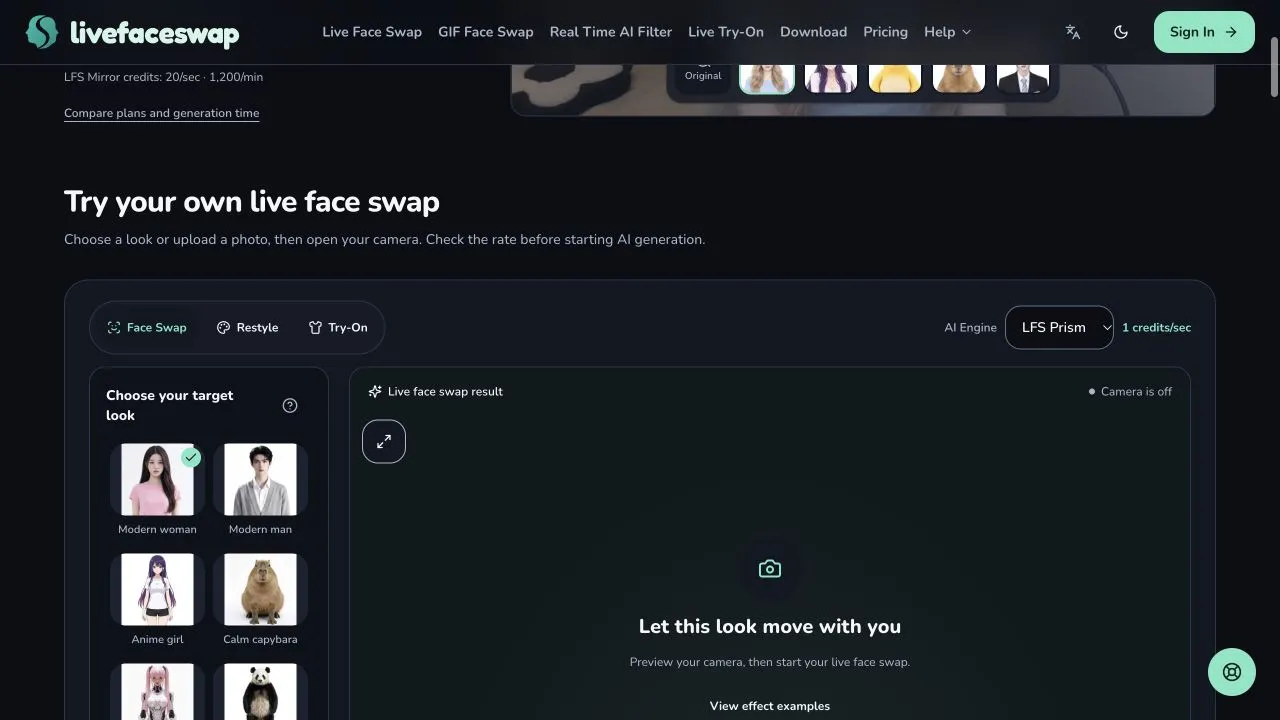
On the official product website, compare free allowances, subscription limits, and credit costs for your expected workload. Check whether exports carry watermarks and whether higher resolution, faster processing, or team access requires a different plan. A free trial may have different limits from a paid subscription.
Review rights and workflow fit
Before uploading client material or publishing generated assets, read the provider’s current commercial usage and data policies. Check the export options and integrations you need. Start with a small project to see whether the tool fits your workflow before moving ongoing work into it.