Google AI Studio
VisitThe fastest path from prompt to production with Gemini
What is Google AI Studio?
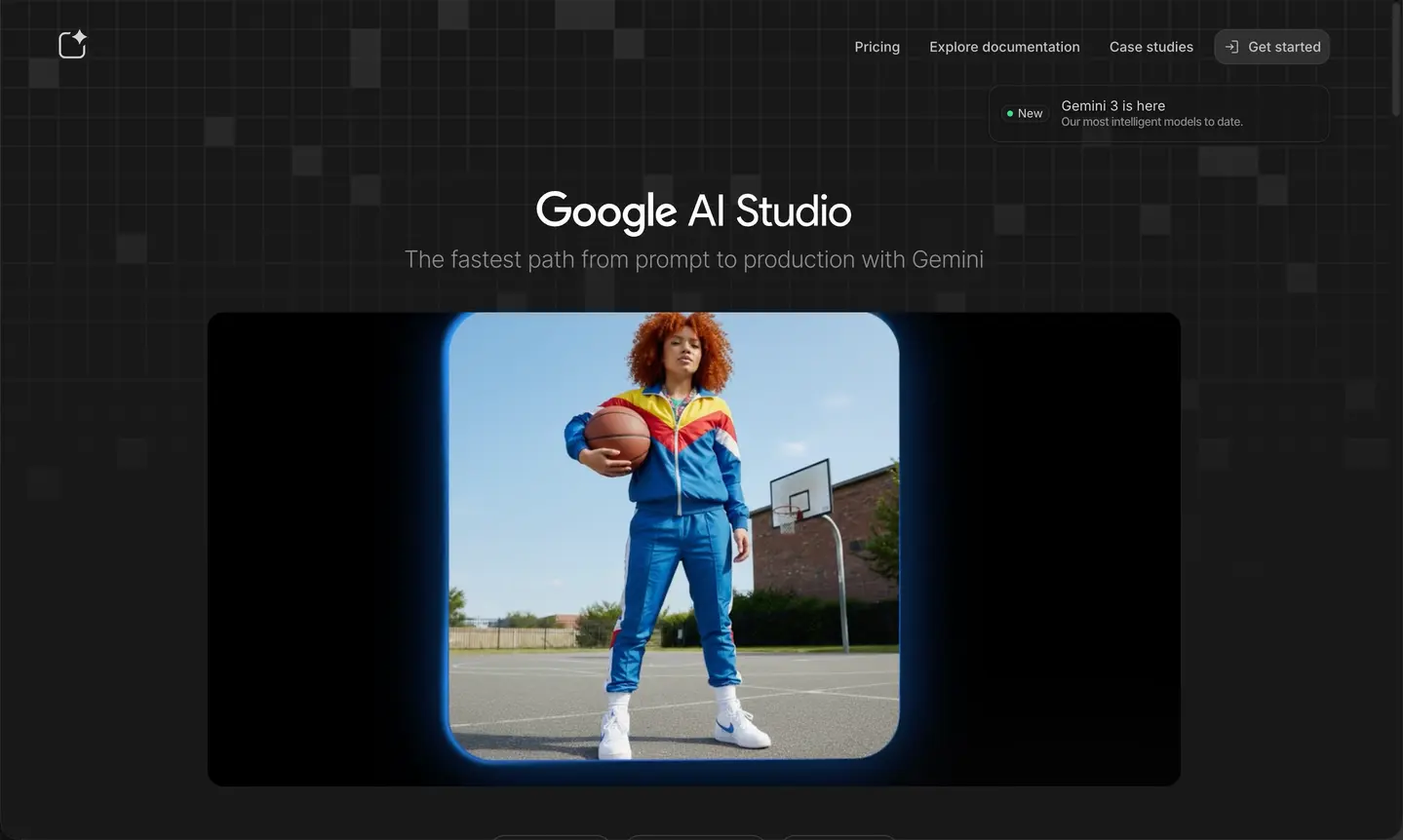
Google AI Studio is a fast, web-based prototyping environment for developers to experiment with Google's latest Gemini models. It provides a streamlined interface to test prompts, tune models, and integrate generative AI into applications. Designed for speed and ease of use, it allows developers to move from idea to API implementation in minutes, offering low-latency access to the newest multimodal capabilities before they reach mass-market products.
Core Features
- Prompt Prototyping: Experiment with text, image, and video prompts in a playground environment to refine model responses.
- Multimodal Testing: Upload images, videos, and huge text documents (up to 2 million tokens depending on the model) to test Gemini's long-context understanding.
- API Integration: Generate API keys and export your tuned prompts directly to code (Python, JavaScript, cURL, etc.) for app development.
- Model Tuning: Fine-tune Gemini models on your own datasets to improve performance for specific tasks or domains.
- Free Tier Access: Provides generous free access to experimental and production models like Gemini 1.5 Pro and Flash, making it ideal for developers and hobbyists.
Use Cases
- App Development: Rapidly build and test the backend logic for AI-powered chatbots, content generators, or analysis tools.
- Data Extraction: Test the model's ability to extract structured data (JSON) from unstructured text, PDFs, or images.
- Experimentation: try out the absolute latest features (like 1M+ context windows) before they are widely available.
FAQ
Q: Is Google AI Studio free?
A: Yes, it currently offers a free tier that allows significant usage of Gemini models for prototyping and development.
Q: What is the difference between AI Studio and Vertex AI?
A: AI Studio is a lightweight tool for quick prototyping and individual developers. Vertex AI is a comprehensive enterprise-grade platform on Google Cloud for end-to-end machine learning lifecycles.