A lighter way to check a drawing
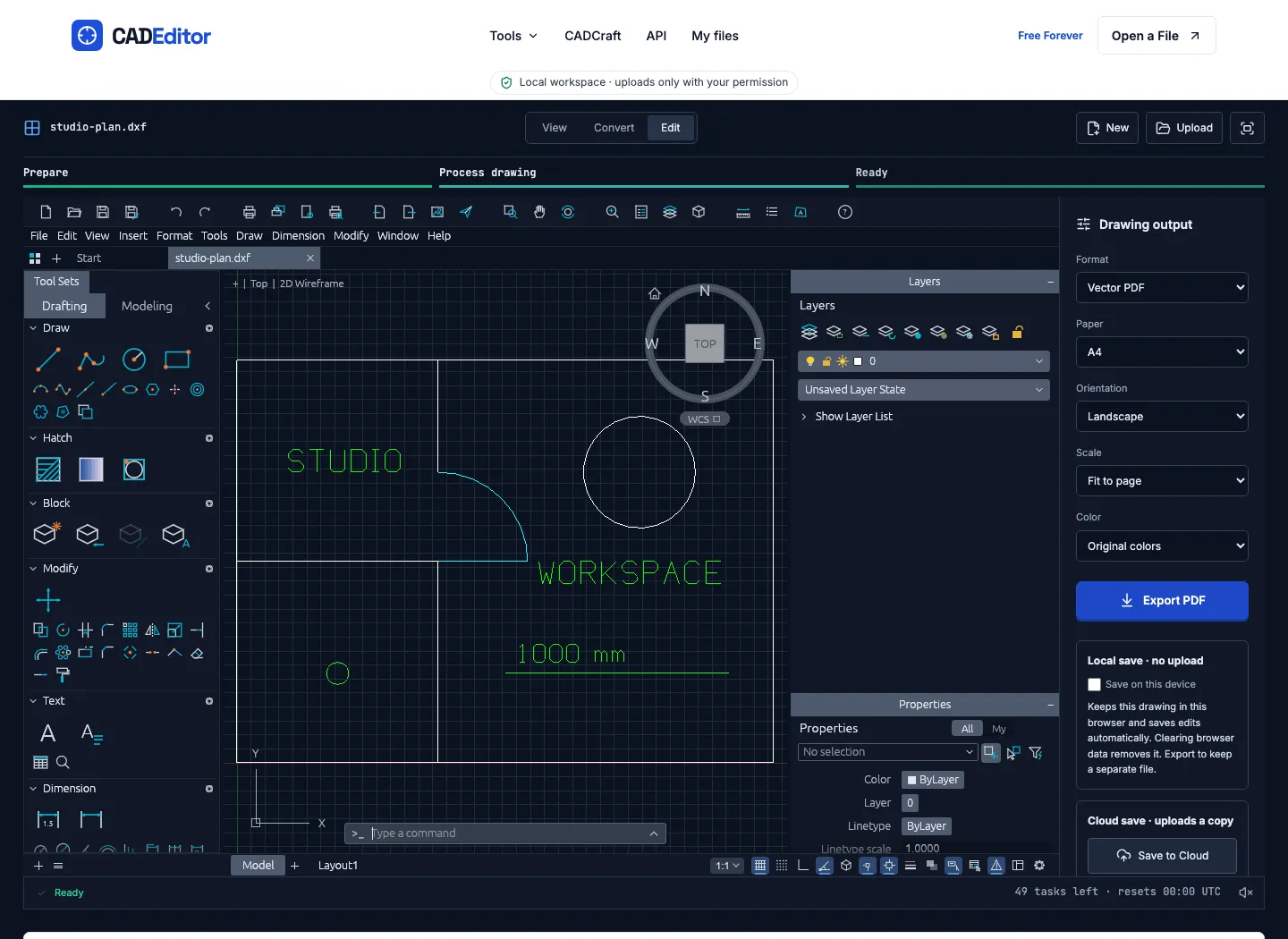
CADEditor is a free 2D CAD workspace for opening an existing drawing, making focused edits and preparing a clean handoff. It works with DWG, DXF and DWT input, so a quick dimension or layer check does not need a desktop installation.
What you can do
- View geometry and inspect a drawing's layers.
- Draw and edit geometry, text and dimensions.
- Measure, use coordinates and object snaps, and undo or redo changes.
- Work with blocks and export DWG, DXF, SVG or watermark-free vector PDF.
A practical handoff workflow
Confirm the drawing unit and a reference dimension, inspect the visible layers, measure the critical geometry, and check text and dimensions. Then review an SVG or PDF copy and keep the editable drawing alongside it. This is useful for a focused review or a small drawing change before a colleague opens the file in another CAD application.
Local work and optional uploads
Ordinary local editing needs no account or installation. Optional cloud storage, sharing and API features involve uploads. The current file limit is 100 MB, with up to 50 browser file tasks per UTC day and 10 files per batch. CADEditor is a deterministic CAD tool, not an AI image generator or an image-to-CAD converter.
Submitted by the CADEditor product team.
Similar to CADEditor

Choose a Halloween template, upload your photo, and get a costume portrait—no long prompts. Solo, couple, and pet styles with credit-based generation. AI costume portrait tool
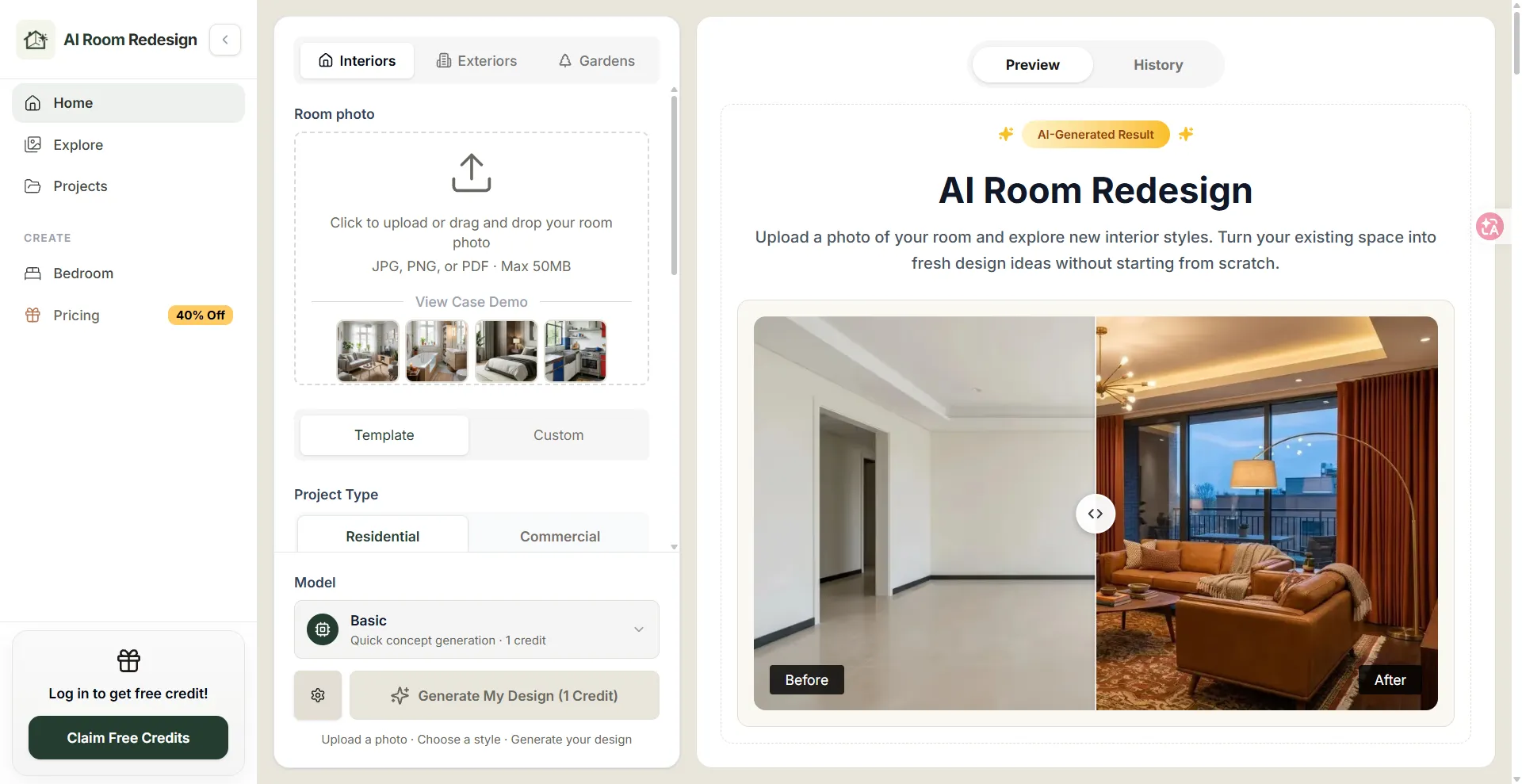
Upload a photo of your room and explore new interior styles. Turn your existing space into fresh design ideas without starting from scratch.

AI image reference platform for designers. Every image is CC0 and comes with its full prompt, so you can reproduce it right away.

Photoshoot.si lets you upload selfies or product photos to generate a full AI photoshoot with many looks. Ideal for creating professional images quickly and easily.