chrome-devtools-mcp
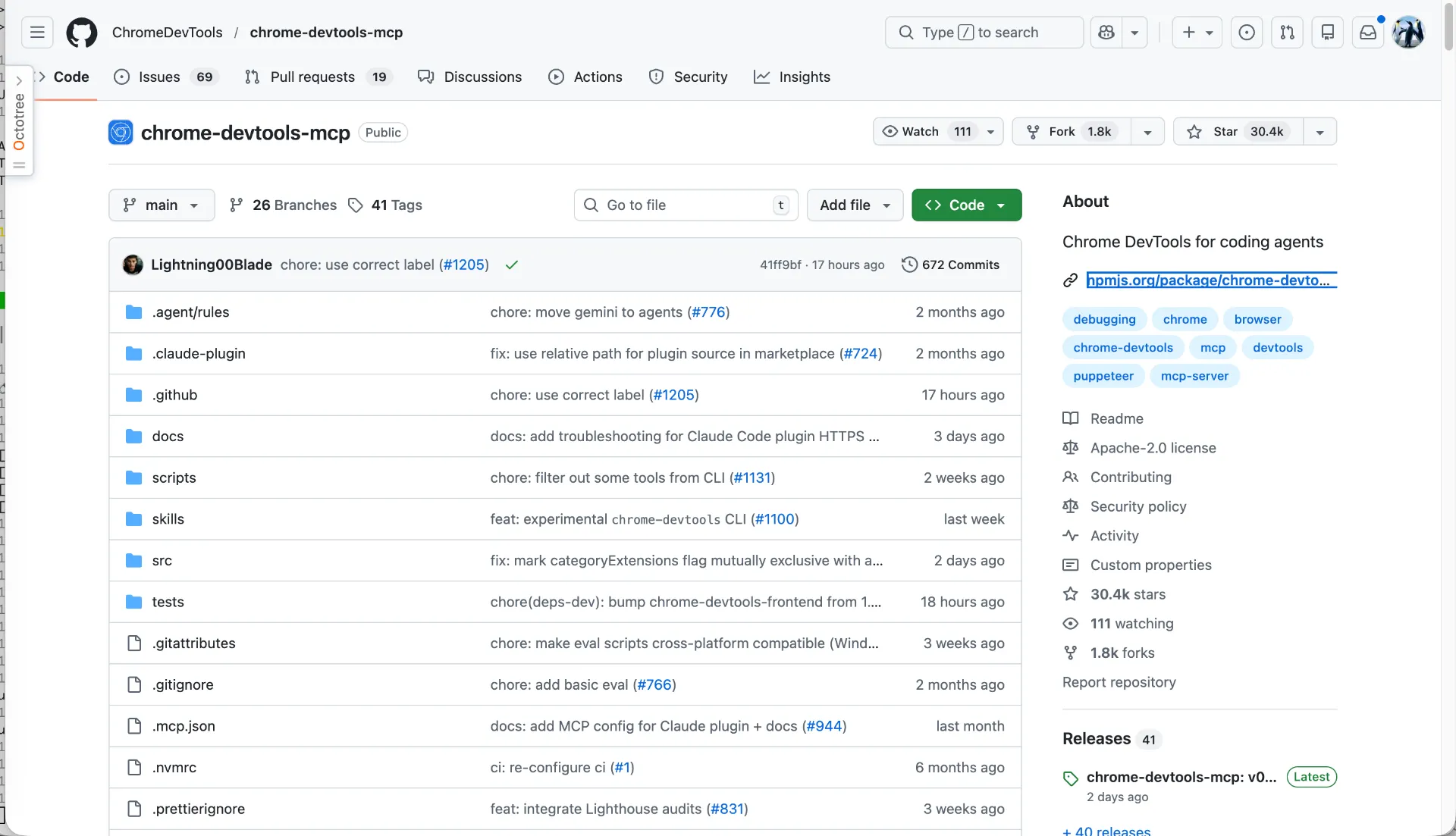
Visitchrome-devtools-mcp lets your coding agent (such as Gemini, Claude, Cursor or Copilot) control and inspect a live Chrome browser.
What is chrome-devtools-mcp?
It is a Model Context Protocol (MCP) server that bridges the gap between AI coding assistants and the Chrome browser. By exposing Chrome DevTools capabilities as tools, it allows LLMs to interact with web pages, perform technical audits, and automate browser-based workflows directly.
Key Features
- Reliable Automation: Uses puppeteer to automate actions (click, type, drag, etc.) and automatically waits for results.
- Performance Insights: Records traces and extracts actionable data using Chrome DevTools.
- Advanced Debugging: Analyzes network requests, inspects console messages (with source maps), and takes screenshots/snapshots.
- Flexible Connectivity: Supports running a new browser instance or connecting to an existing one via
--autoConnector remote debugging ports. - Slim Mode: Offers a reduced toolset (
--slim) for basic navigation and screenshot tasks.
Use Cases
- Automated Testing: Agents can navigate to a URL and verify if specific elements or behaviors work as expected.
- Performance Auditing: Running Lighthouse audits or performance traces to identify bottlenecks.
- Debugging Web Apps: Using the agent to inspect network failures or console errors in real-time.
- Web Scraping & Data Extraction: Navigating complex, JavaScript-heavy sites to take snapshots of the DOM or capture screenshots.
FAQ (Based on Documentation & Troubleshooting)
- How do I install it? You can use
npx -y chrome-devtools-mcp@latestvia your MCP client configuration (e.g., Claude, Cursor, or Gemini CLI). - Does it support headless mode? Yes, it can be run without a UI by passing the
--headlessflag. - Can I use my existing Chrome profile? Yes, by using the
--autoConnectflag (Chrome 144+) or specifying a--user-data-dir. - What are the requirements? You need Node.js v20.19+ and a recent stable version of Chrome.
- Is my data private? Google collects some usage statistics (opt-out available via
--no-usage-statistics), but the tool itself operates locally between your agent and your browser.