CodeBuddy
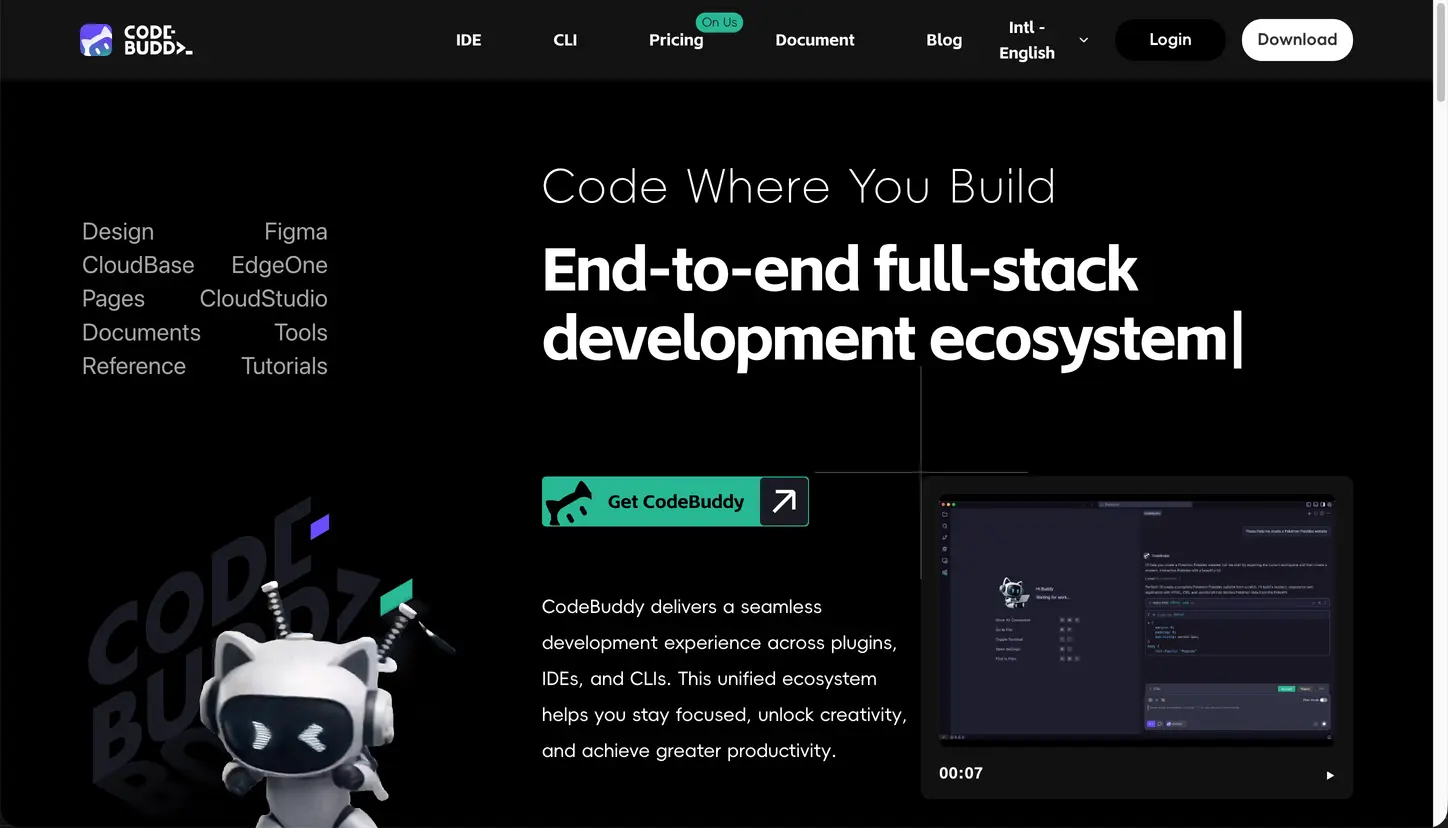
VisitCodeBuddy integrates AI with your development process, providing a full-stack development ecosystem with plugins, IDE, and CLI. It offers seamless collaboration and productivity features across different coding environments. Whether you're coding, extending, or collaborating, CodeBuddy empowers you to reach peak efficiency.
Key Features:
- AI-Powered IDE: An intelligent IDE that seamlessly integrates with your workflow, offering suggestions based on your code style and improving productivity.
- Design-to-Code: Convert Figma designs directly into maintainable code, maintaining consistency between design and development.
- Smart Document Generation: Automatically generate project requirement documents like PRDs based on inputs.
- Backend & Deployment Integration: Integrate with CloudBase, Supabase, and other services for quick deployment.
- Natural Language Component Editing: Modify UI components using natural language commands.
- Task Breakdown & Execution: Break down complex tasks into manageable steps for easy execution.
Use Cases:
- For Designers and Developers: Automatically generate code from Figma designs, ensuring consistency across teams and speeding up the development process.
- For Backend Developers: Seamless integration with backend services and deployment pipelines, allowing you to focus on building without worrying about setup.
- For Full-Stack Developers: Build, deploy, and manage the entire stack within one ecosystem, making it easy to deliver projects on time.
- For Beginners: Use the intuitive design-to-code feature and natural language processing to simplify the development workflow.
FAQ:
-
How can I view local logs?
Navigate to Help → Open Logs Folder to access the local log files and send the zip file for support. -
How to fix remote SSH connection issues?
Refer to [VSCode FAQ] for setup tips, including requiring glibc >=2.28 from version 1.99. -
How to import Figma designs into the IDE?
You need Figma permissions, logged in with your Tencent enterprise WeChat email, to import designs. -
How to install plugins when there’s a version compatibility issue?
Search for "gallery" in IDE settings, configure the URL, and restart the IDE. -
How to configure themes in the IDE?
Select "Configure Theme" from the settings to adjust color themes, file icons, and product icons.
Similar to CodeBuddy