Microsoft Copilot
VisitMicrosoft Copilot uses the power of AI to boost productivity, unlock creativity, and help you understand information better with a simple chat experience.
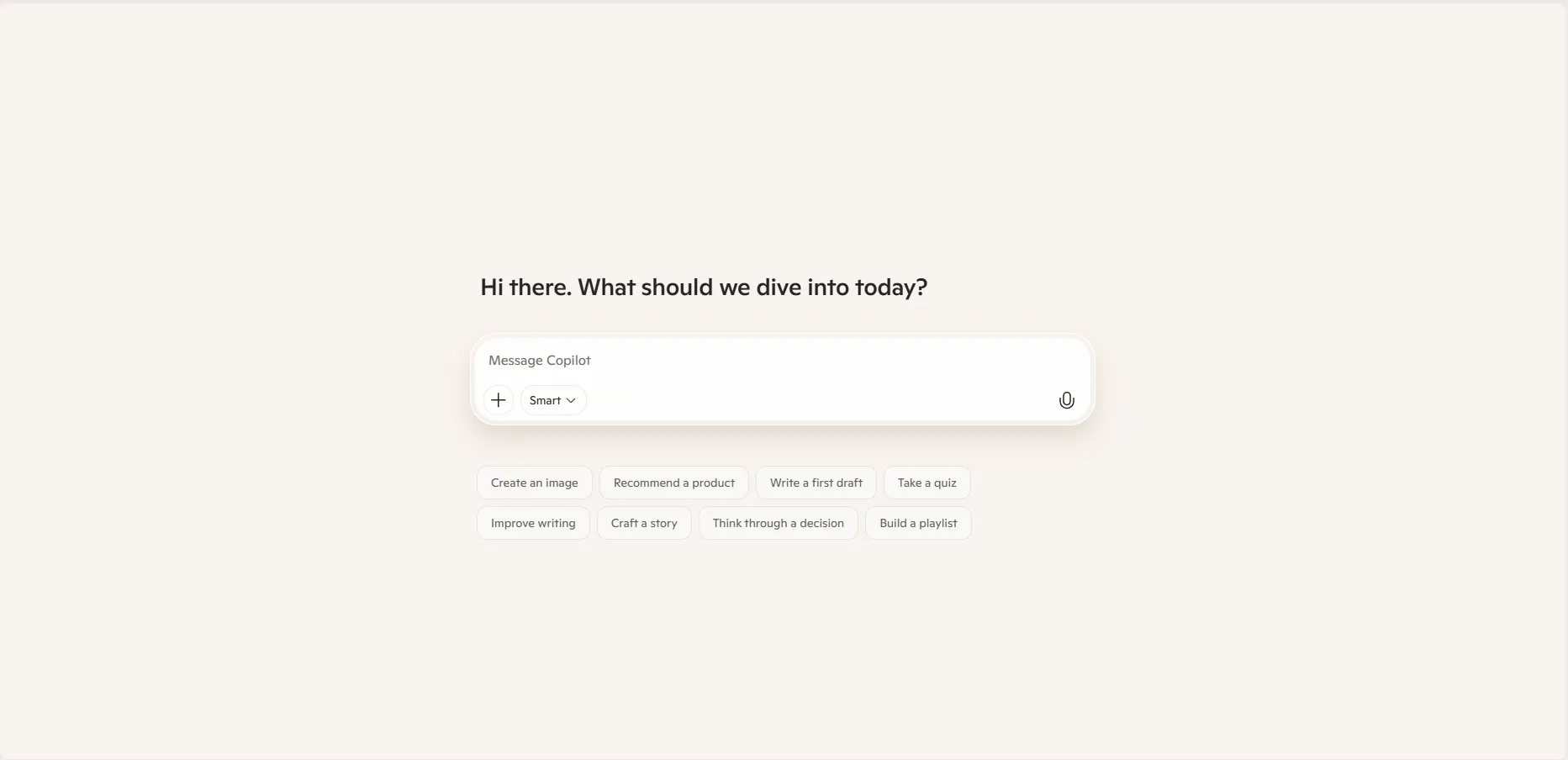
What is Microsoft Copilot?
Microsoft Copilot is an AI-powered assistant designed to assist users across various tasks. It leverages Large Language Models (LLMs) like GPT-4 and DALL-E 3 to process natural language, generate text, create images, and analyze data. It is deeply integrated into the Microsoft ecosystem, appearing in Windows, Edge, and the Microsoft 365 suite (Word, Excel, PowerPoint, etc.).
Core Features
- Intelligent Chat: Ask complex questions, get summarized answers, and engage in multi-turn conversations.
- Content Creation: Draft emails, write essays, generate code, and create professional-quality images from text prompts.
- Deep Research: Use "Deep Research" mode for multi-page, in-depth reports on any topic.
- Vision & Voice: Interact using your camera to learn about what you see (Vision) or have natural, real-time voice conversations with expressive animations (Mico).
- App Integration: Summarize meetings in Teams, analyze data in Excel without formulas, and transform documents into presentations in PowerPoint.
Use Cases
- Personal Productivity: Planning travel itineraries, generating grocery lists, or organizing daily to-dos.
- Professional Work: Summarizing long email threads in Outlook, drafting project proposals in Word, and creating data visualizations in Excel.
- Creative Projects: Generating unique artwork, brainstorming marketing slogans, or rewriting text to match a specific tone (e.g., professional, witty).
- Technical Support: Assisting developers with code snippets, debugging, and explaining complex technical documentation.
FAQ (Frequently Asked Questions)
- Is my data private? Copilot for individuals handles data per Microsoft's Privacy Statement. In enterprise versions, your data stays within the Microsoft 365 tenant and is not used to train the underlying models.
- Can it write code? Yes, it supports various languages including Python, SQL, JavaScript, and C#, providing suggestions and debugging help.
- What are the file limits? Users can typically upload files up to 10 MB each, with varying daily limits depending on the subscription level.
- Does it work offline? No, Microsoft Copilot requires a reliable internet connection as it relies on cloud-based AI processing.