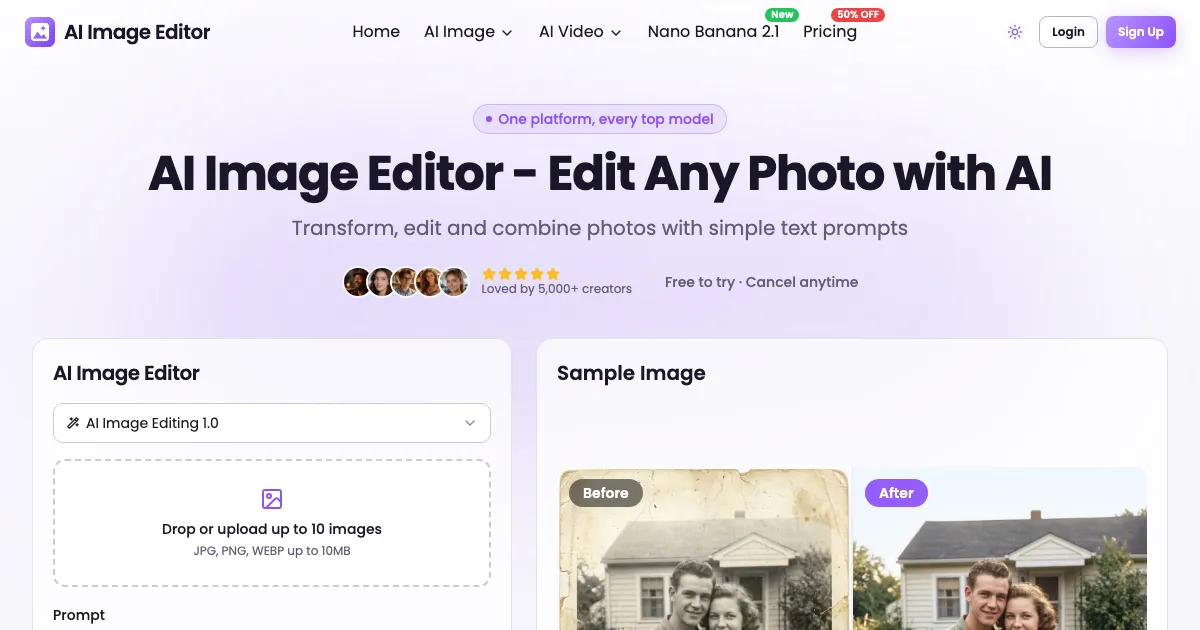
Face Search
VisitAI-powered face search tool that helps you find similar faces, public profiles, social media pages, and other online appearances using a photo.
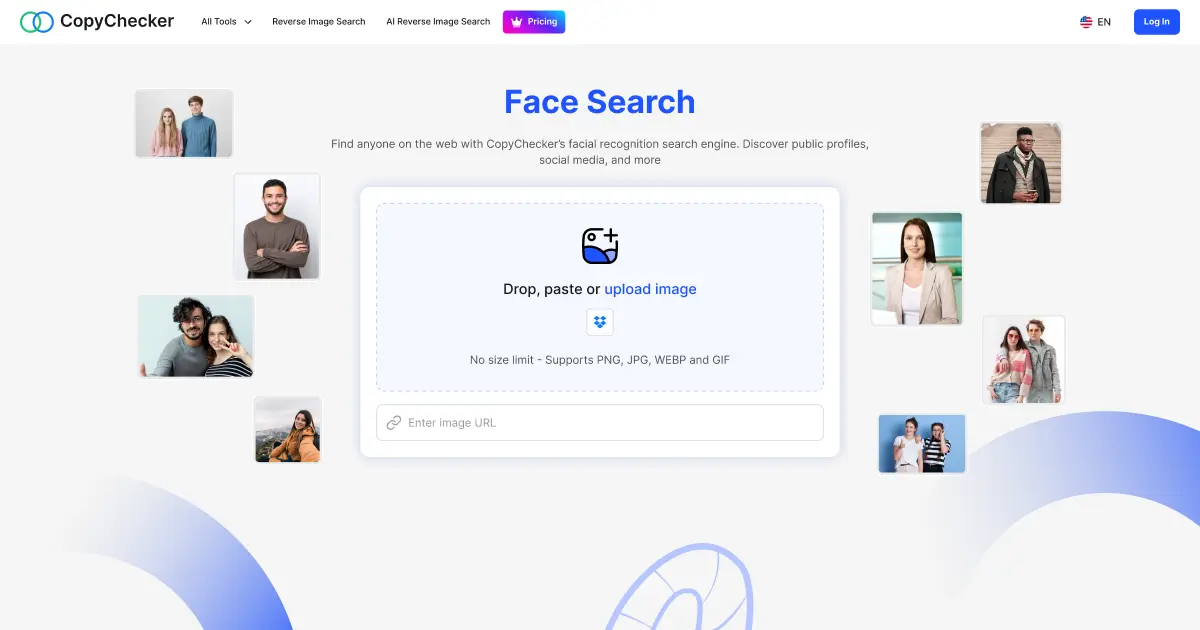
CopyChecker Face Search
CopyChecker Face Search is an AI-powered facial recognition search tool that helps users search the web using a person's photo instead of a name or keyword. Upload an image to discover similar faces, duplicate images, public profiles, social media pages, and other publicly available online appearances.
How It Works
1. Upload a Photo: Upload a clear image of the person you want to search for.
2. AI Analyzes the Face: The tool analyzes facial features and structural patterns to create a searchable signature.
3. Search for Matches: CopyChecker compares the image with publicly available web results to find relevant matches.
4. Review the Results: Explore similar faces, duplicate images, source pages, and publicly available profiles.
Key Features
- AI-powered facial recognition search
- Find similar and duplicate images of people
- Discover publicly available profiles and online appearances
- Get direct source links for relevant matches
- Search for celebrities and similar-looking faces
- Track where your own images appear online
- Supports PNG, JPG, WEBP, and GIF images
- Privacy-focused image processing
Who Can Use It?
CopyChecker Face Search can be useful for:
- Online identity verification
- Fake profile and catfishing detection
- Personal digital footprint monitoring
- Finding the source of a person's image
- Verifying publicly available profiles
- Reconnecting with people using old photographs
CopyChecker Face Search is designed for legitimate discovery, verification, and online safety. Search results should always be reviewed carefully, and users are responsible for using the tool lawfully and ethically.
Similar to Face Search
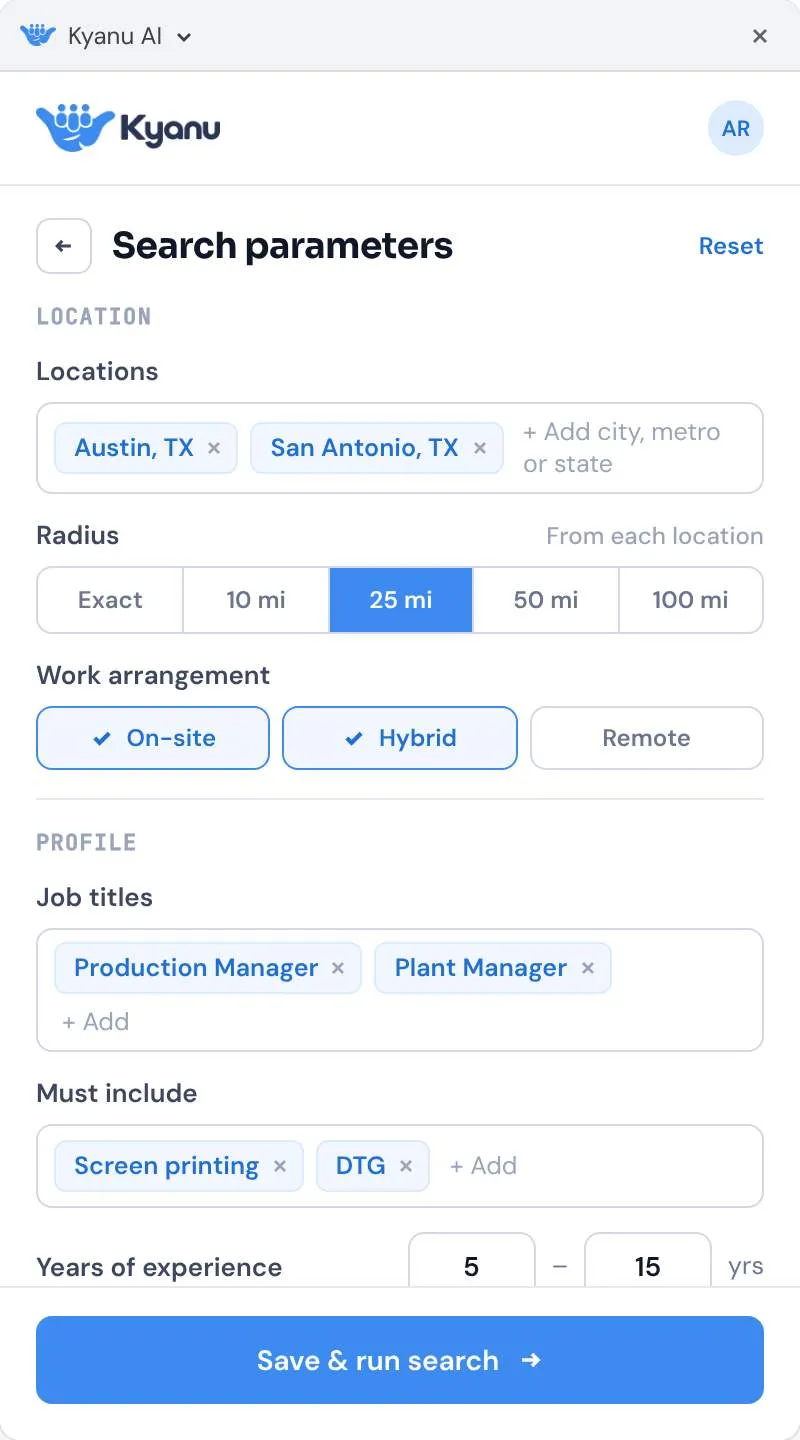
A Chrome extension that pre-scores candidates against your job right on Google and your favorite data providers, with contact info included.
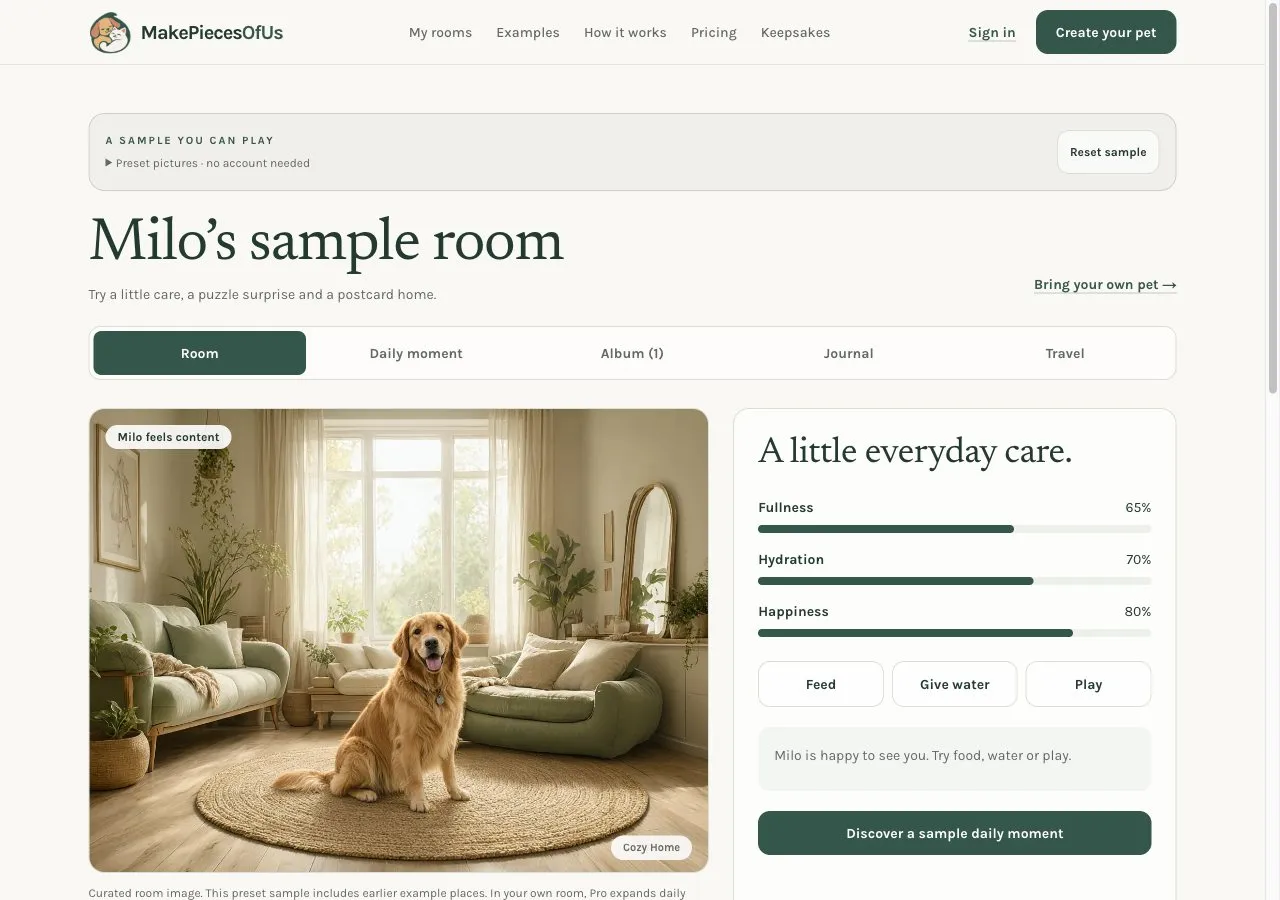
Create a private virtual room from a pet photo. Care for your companion, keep an album and journal, and try Milo free in your browser.
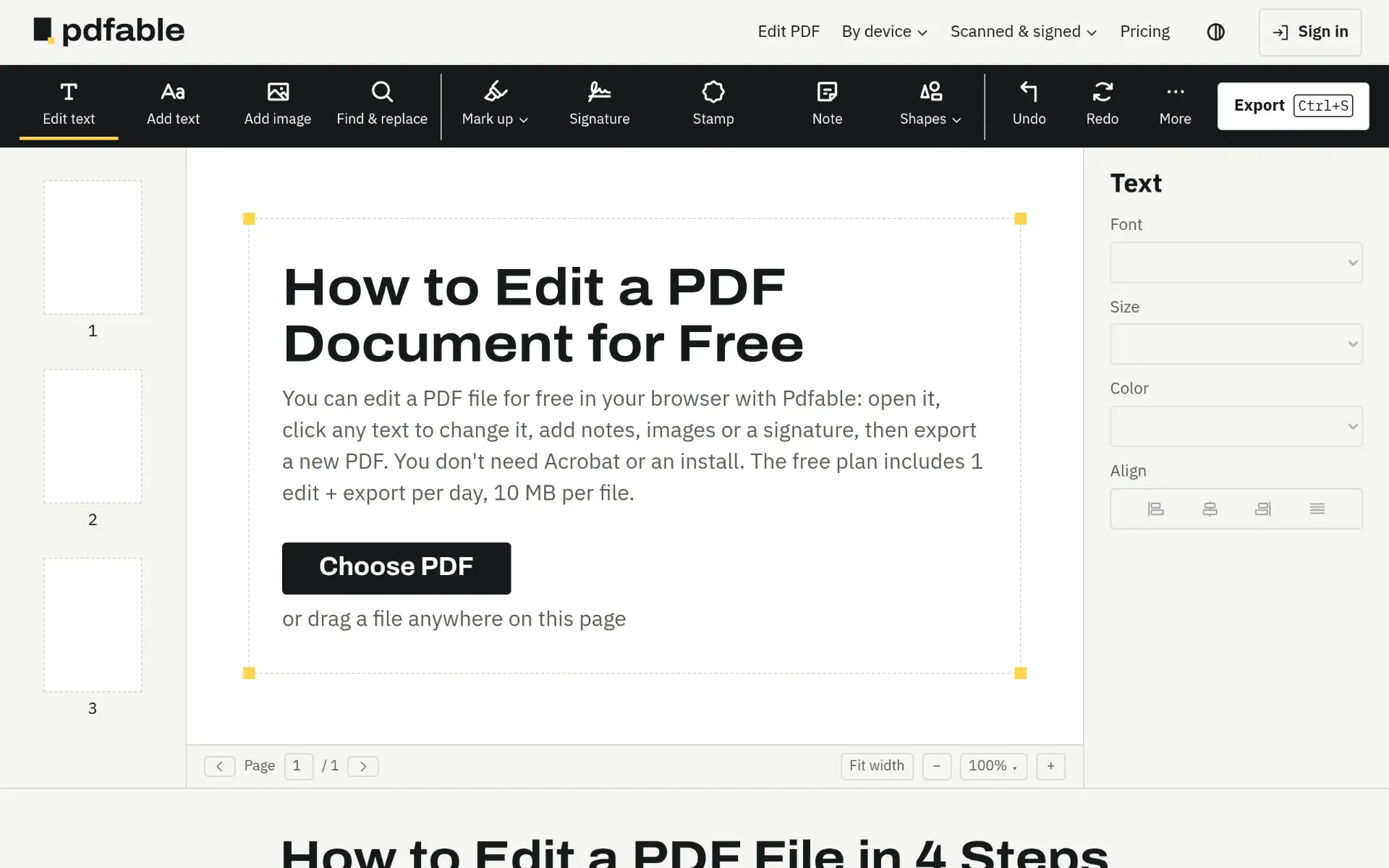
Edit existing PDF text directly in your browser. Modify content and formatting, add annotations, and export PDFs without converting them to Word.

Generate and edit images with Nano Banana 2.1 through AI Image Editor. Use up to 14 references for precise edits, sharper text, consistency and 4K output.