impeccable
VisitImpeccable provides design fluency for AI harnesses, offering commands and curated patterns to enhance frontend-design skills across various AI tools.
What is Impeccable?
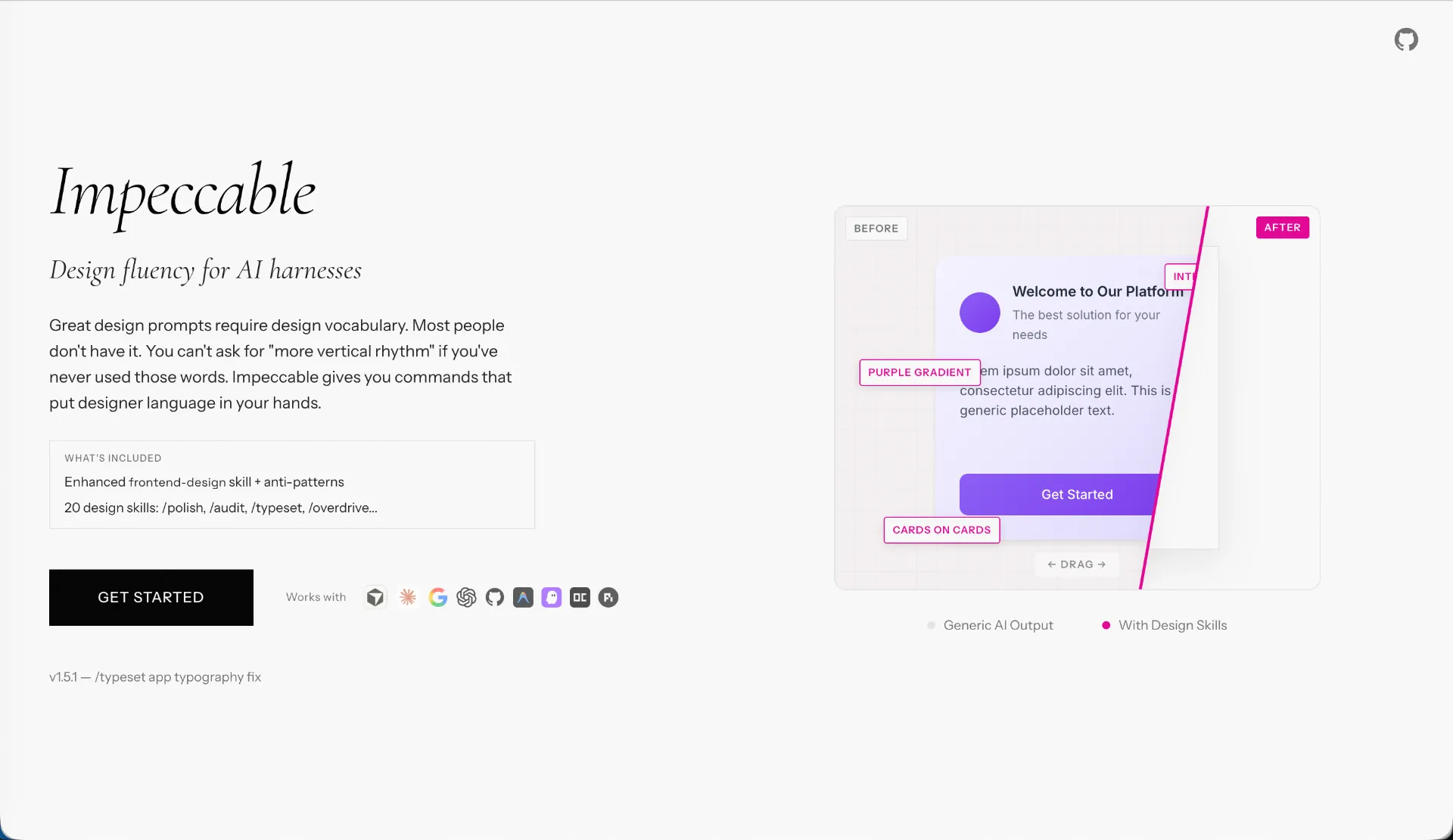
Impeccable is a professional design enhancement layer (a "skill" or "plugin") for AI coding assistants. It bridges the gap between generic AI code generation and high-quality UI/UX design by providing the AI with a sophisticated design vocabulary and a library of best practices (and anti-patterns). It is designed by Paul Bakaus to give developers "design fluency" within their existing AI workflows.
Key Features & Commands
The tool includes 20 specific design commands categorized by their functional intent:
- Diagnostic:
/audit(review current UI) and/critique. - Quality:
/polish(refine visuals),/normalize, and/harden. - Enhancement:
/typeset(fix typography),/arrange(layout and spacing),/animate(motion effects), and/colorize. - Intensity Control:
/bolderor/quieterto adjust the visual weight of elements. - System:
/teach-impeccableto help the AI gather project-specific design context via a.impeccable.mdfile.
Use Cases
- UI Refinement: Converting a "generic" AI-generated layout into a polished, professional interface with proper vertical rhythm and white space.
- Design System Enforcement: Using
/typesetto ensure an application uses a consistent, modular type scale rather than random font sizes. - Interactive Prototyping: Using
/animateto add purposeful micro-interactions and choreographed entrances to static components. - Developer Upleveling: Helping developers who lack formal design training to produce high-end frontend work using professional designer language.
FAQ (Summary)
- How do I install it? The primary method is via terminal:
npx skills add pbakaus/impeccable. It auto-detects your harness (Cursor, Claude Code, etc.). - Which tools are supported? It works with Cursor, Claude Code, Gemini CLI, Codex CLI, VS Code Copilot, and several others.
- Does it overwrite my data? No. Updates via
npx skills updatepreserve your project-specific context file (.impeccable.md). - What if commands don't appear? Users should ensure files are in the correct hidden directories (like
.cursor/or.claude/) or explicitly prompt the AI to "use the frontend-design skill."
Similar to impeccable
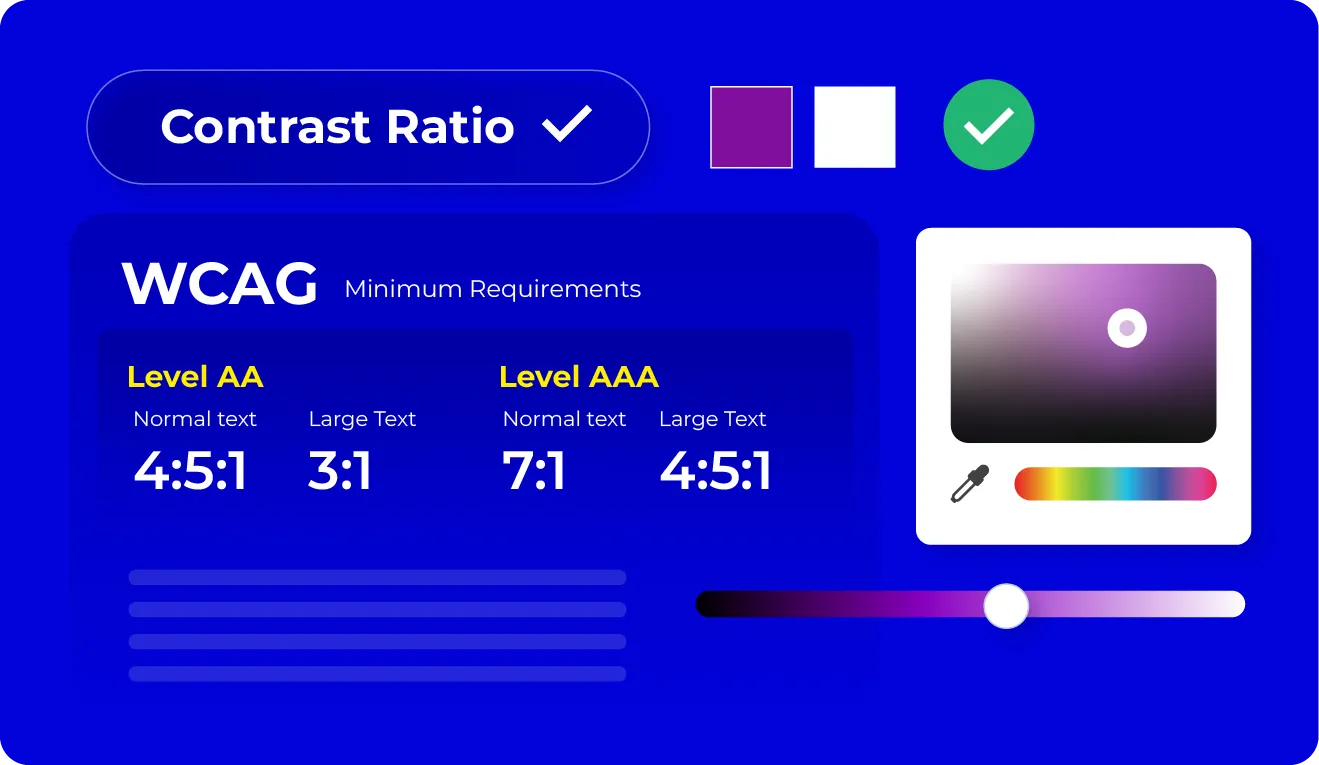
Accesstive Color Contrast Checker helps you test text and background color combinations against WCAG 2.2 AA and AAA standards.
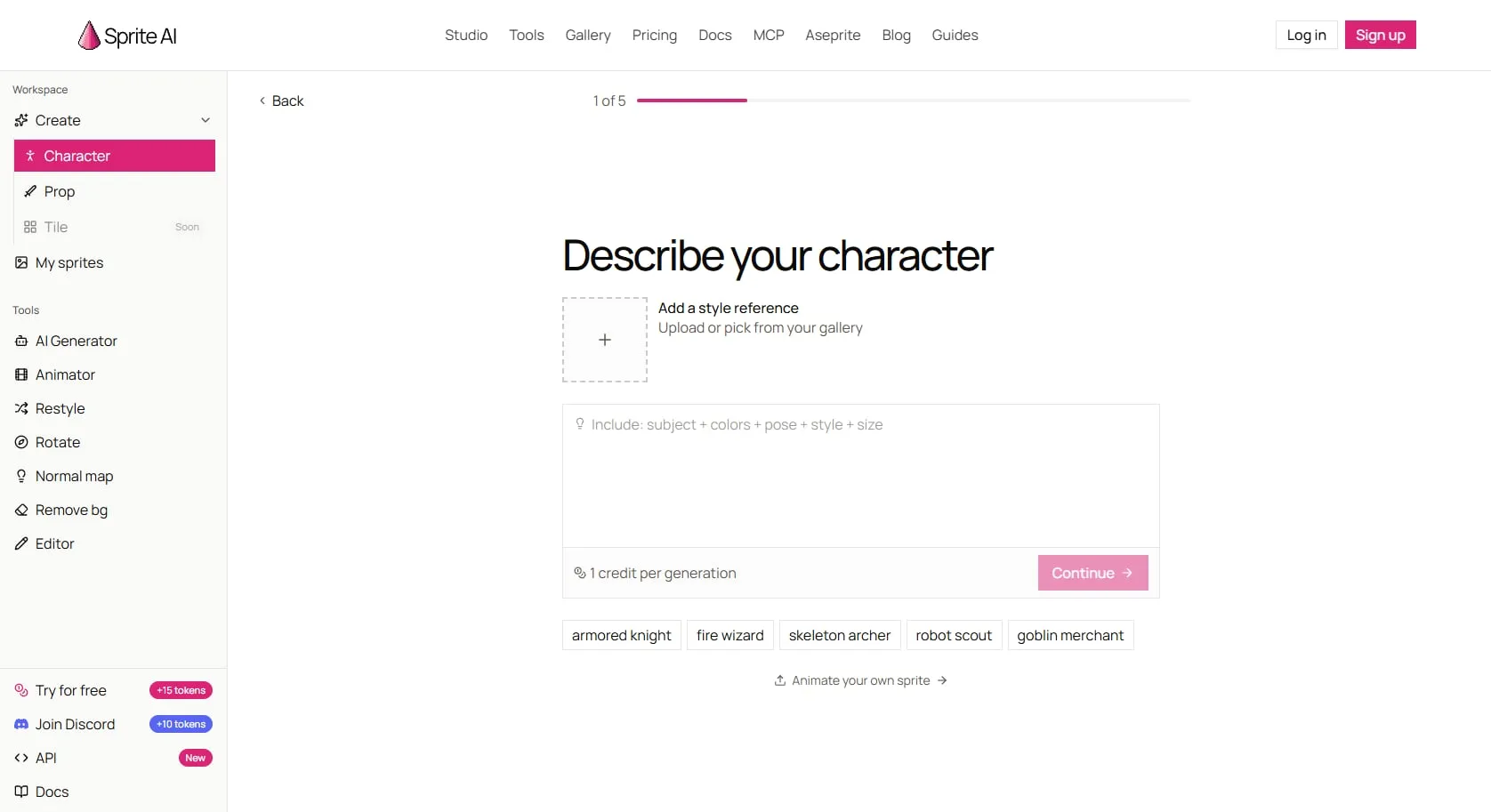
Generate game-ready character sprites from a text prompt — heroes, enemies, and NPCs — then animate and export them. Free tier included.