Movavi Photo Editor
VisitAn intuitive AI-powered photo editing software for Windows and macOS designed to create awesome photos easily through retouching, background removal, and object erasure.
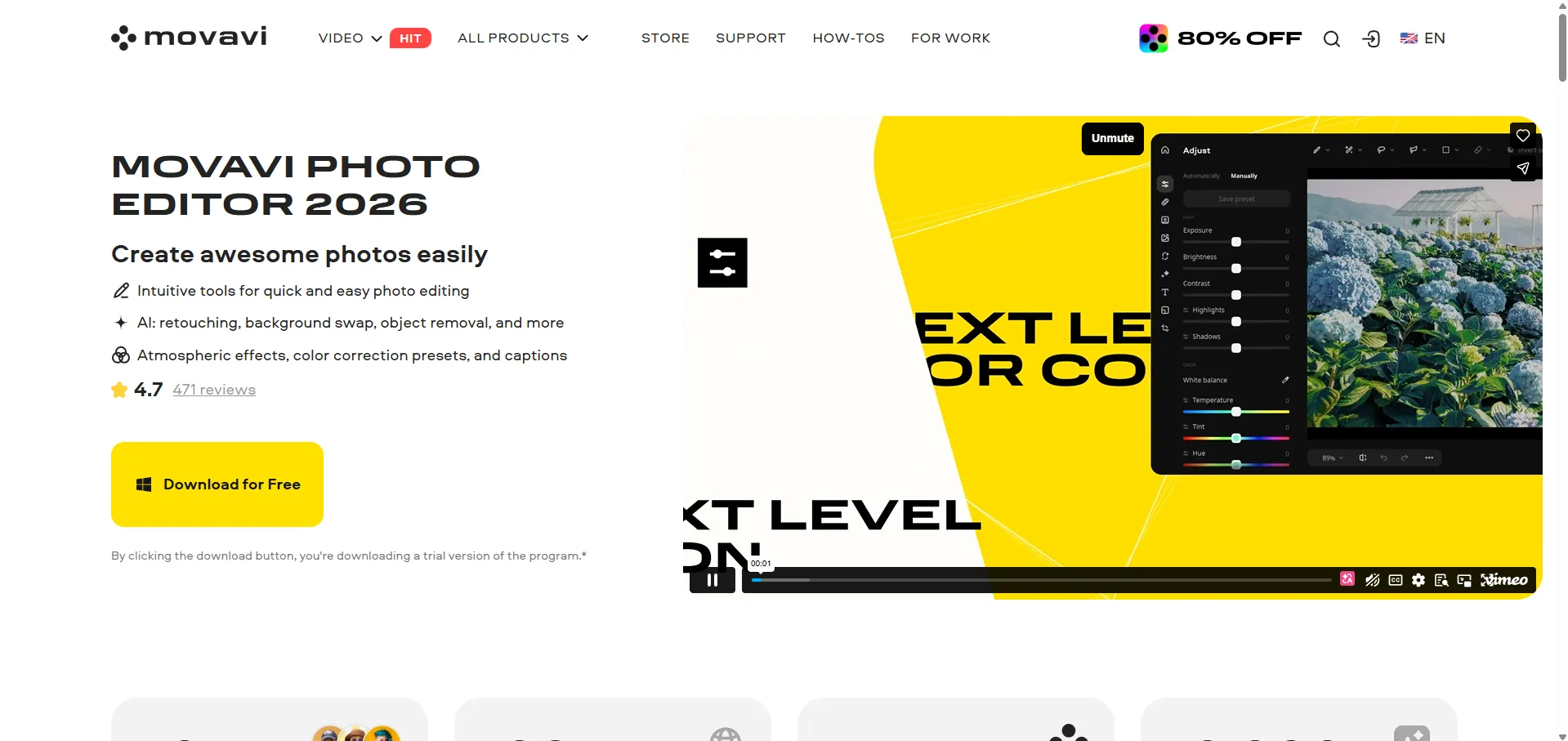
What is Movavi Photo Editor?
Movavi Photo Editor is an AI-driven image processing software designed for both beginners and enthusiasts. It simplifies complex editing tasks—like removing unwanted objects or restoring old family photos—into one-click operations, making professional-looking results accessible without a steep learning curve.
Key Features
- AI Auto-Enhancement: Automatically balances light and color to optimize image quality instantly.
- AI Object Removal: Erases unwanted people or objects with high precision, generating a natural background to fill the gap.
- AI Background Swap: Effortlessly replaces backgrounds with new environments, from cityscapes to creative textures.
- Portrait Retouching: Tools for skin smoothing, teeth whitening, and digital makeup application.
- Old Photo Restoration: Removes scratches, reduces image noise, and colorizes black-and-white photos.
- Effects & Filters: A library of over 100 filters and 34 new presets for atmospheric styling.
Use Cases
- Social Media Content: Quickly cleaning up travel photos or applying "juicy" presets to boost engagement.
- Professional Portraits: Using AI retouching to prepare headshots or profile pictures.
- E-commerce: Removing busy backgrounds to create clean, product-focused images.
- Archiving: Reviving old family albums by repairing damaged scans and adding color.
FAQ (Frequently Asked Questions)
- Is it suitable for beginners? Yes, it is marketed as an excellent choice for beginners due to its intuitive interface and automated tools.
- Can I use it for free? A free trial version is available, allowing you to save up to 10 images with a watermark.
- What are the system requirements? It requires a 64-bit Windows 10/11 or macOS, an Intel Core i5 processor or higher, and at least 6 GB of RAM.
- Are there file size limits? The software cannot guarantee correct processing for images larger than 6000x8000 pixels.