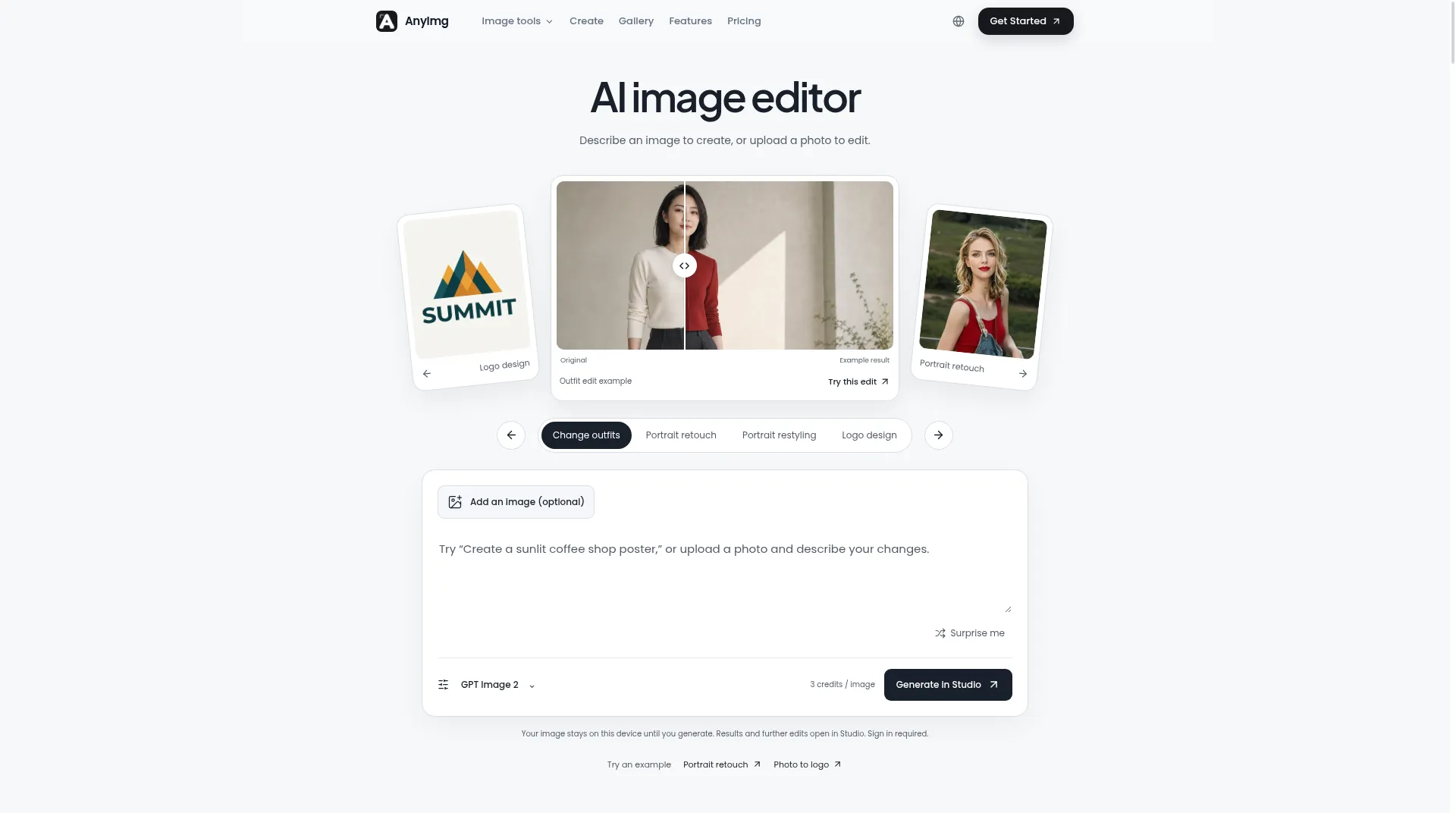
Photoroom
VisitAI-powered photo editing tool and listing studio for quick, professional-quality visuals tailored to e-commerce businesses and social media creators. It helps automate image creation, format for multiple marketplaces, and produce marketplace-ready listings at scale.

What is Photoroom?
Photoroom is the go-to AI photo editor for resellers and small businesses looking to create studio-quality product images on a budget. Famous for its high-accuracy background removal, Photoroom goes further with AI Backgrounds (Instant Diffusion), which places your product in any scene you can imagine. Whether you are selling on Vinted, Etsy, or managing a food delivery menu, Photoroom automates the tedious parts of photo editing.
Core Features
- Studio-Quality Background Removal: Recognized as one of the most accurate removers, handling hair and transparent objects with ease.
- Instant Backgrounds: Use AI to generate realistic, decent scenes behind your product (e.g., "on a wooden counter") that match the lighting and perspective.
- Batch Mode: Edit hundreds of images at once—remove backgrounds, resize, and apply your logo watermark in a single click.
- AI Shadows & Reflections: Automatically adds realistic floor shadows and reflections to make cutouts look natural.
- Retouch: Quickly remove unwanted text, defects, or people from your photos.
Use Cases
- Reselling: Snap a photo of a shoe or dress, and Photoroom instantly places it on a clean white background for Poshmark or Depop.
- Food Photography: Make food items look appetizing by placing them on AI-generated wooden tables or marble countertops.
- Profile Pictures: Create professional headshots by removing cluttered backgrounds and adding a solid color or gradient.
FAQ
Q: Is Photoroom better than remove.bg?
A: It depends on your needs. Photoroom is more focused on creating a finished image (with new backgrounds and shadows), whereas remove.bg specializes specifically in the removal process.
Q: Is there a web version?
A: Yes, Photoroom has a robust web interface that syncs with the mobile app, allowing you to edit on a larger screen.
Similar to Photoroom

Generate and edit photoreal images with Seedream 5.5: accurate text, transparent PNG output, and stable multi-round edits in your browser.

Enlarge JPG, PNG, and WebP images at 2x or 4x with cloud AI processing. Supports multiple files or ZIP uploads, daily free credits, and watermark-free downloads

Bezio gives creators precise control over AI image and video composition, lighting, framing and motion, so they can refine results instead of rerolling.
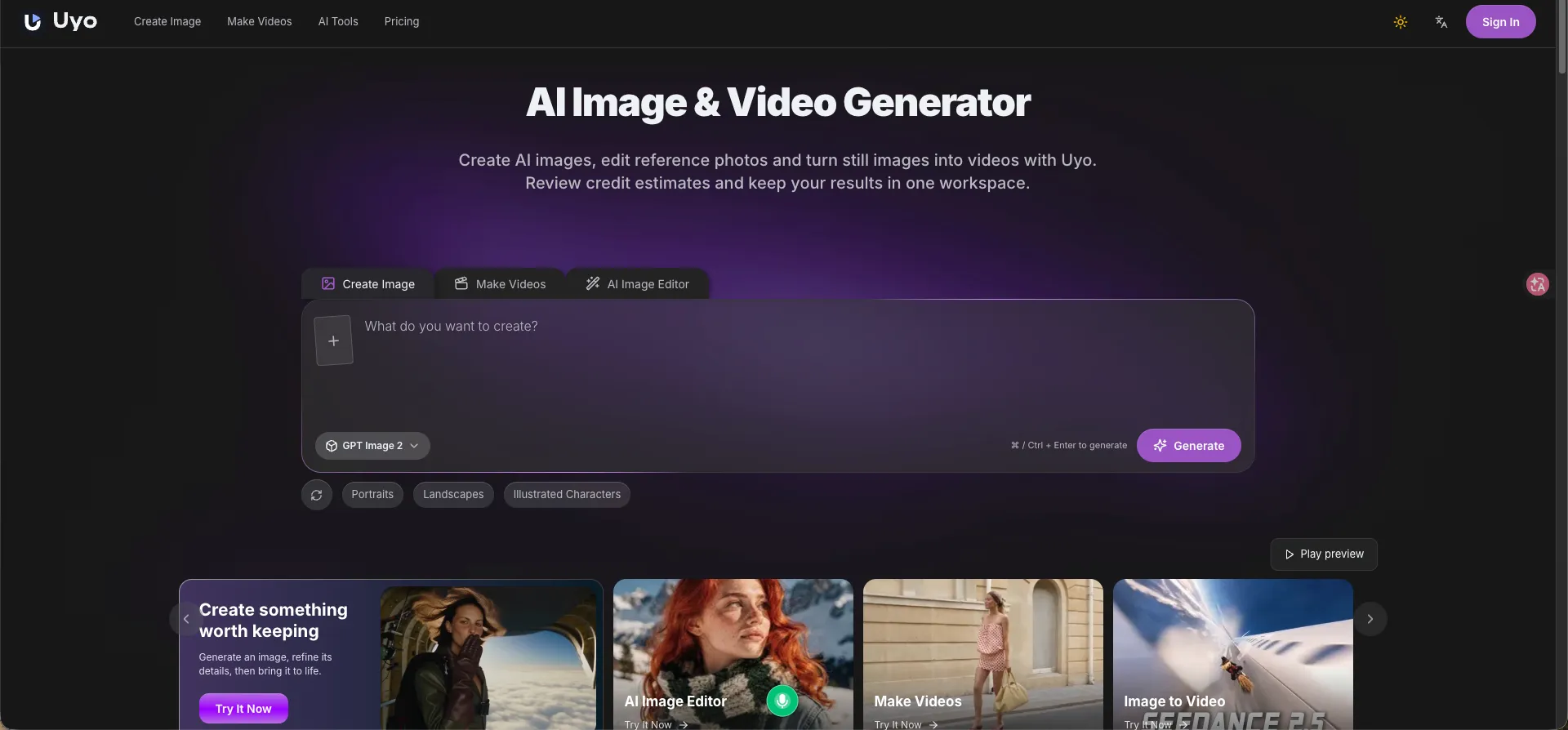
Uyo is a browser-based AI studio to generate images from text, edit photos, upscale images, remove backgrounds, and create videos from text or still images.