Pixlr
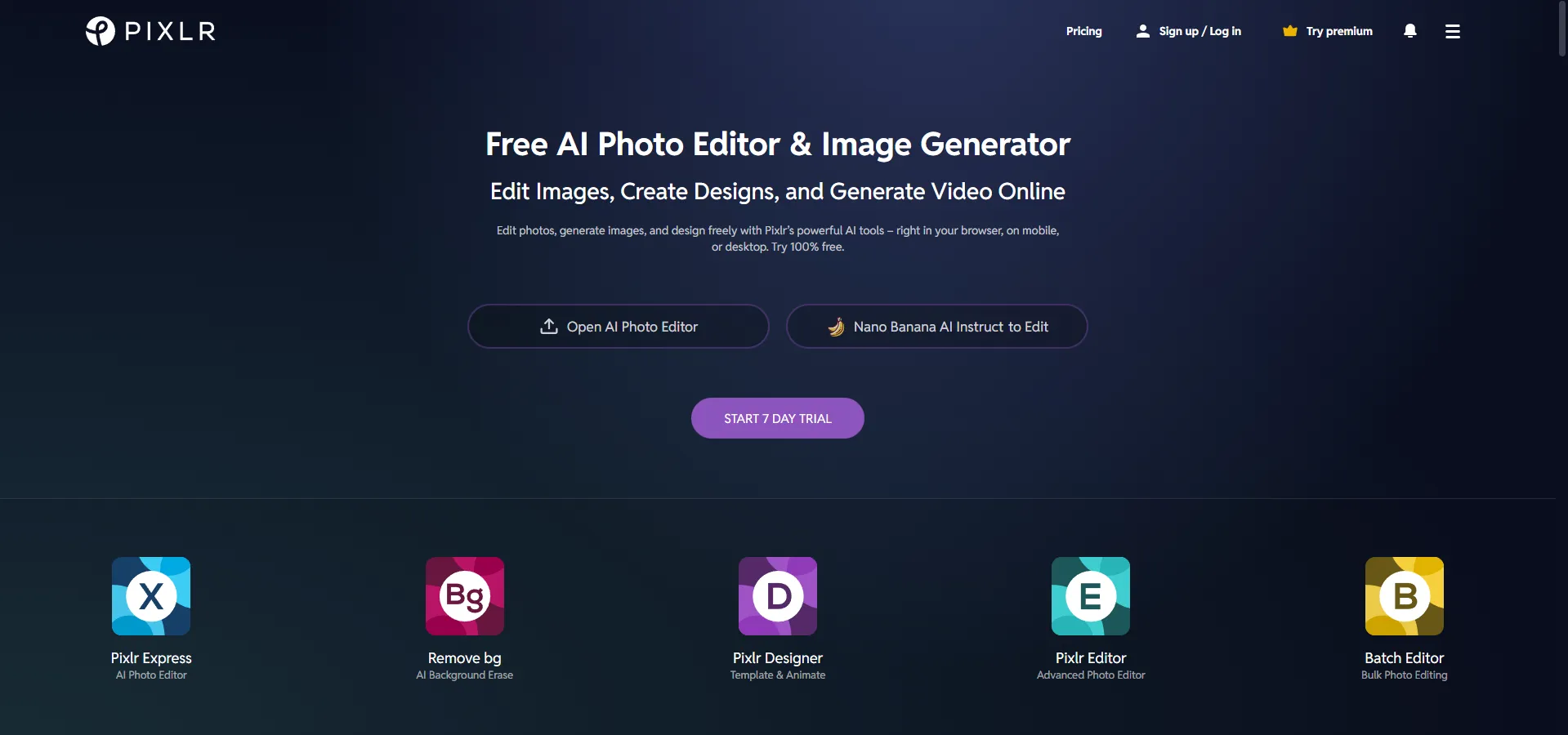
VisitEdit photos, generate images, and design freely with Pixlr’s powerful AI tools – right in your browser, on mobile, or desktop. Try 100% free.
What is Pixlr?
Pixlr is a cloud-based suite of image editing and design tools. It leverages modern AI to provide professional-grade editing capabilities directly in a web browser, mobile app, or desktop environment. It is designed to be a more accessible, user-friendly, and often free alternative to complex software like Adobe Photoshop.
Key Features
-
Generative AI Tools: * AI Image Generator: Convert text prompts into visual artwork.
-
Generative Fill: Add or modify elements within an image using AI.
-
Generative Expand: Extend image boundaries seamlessly beyond the original canvas.
-
AI Face Swap: Replace faces in photos with high realism.
-
Editing & Utilities:
-
Remove Background: One-click AI-powered background erasure.
-
AI Super Scale/Sharp: Upscale low-resolution images and enhance clarity.
-
Batch Editor: Process multiple photos simultaneously for efficiency.
-
Design Tools:
-
Pixlr Designer: Offers templates and animation tools for social media and marketing.
-
Photo Grid Maker: Automatic layouts for creating collages.
Use Cases
- Social Media Content: Quickly creating eye-catching graphics, Instagram posts, or YouTube thumbnails using templates.
- Marketing & Business: Generating professional product shots (Product Shot Creator) and removing backgrounds for e-commerce listings.
- Casual Editing: Quick touch-ups, adding filters (Bokeh, Glitch, HDR), or creating fun face swaps for personal use.
- Education: Used as a free or low-cost alternative for students learning graphic design principles.
FAQ (Frequently Asked Questions)
- Is it free to use? Yes, Pixlr offers a robust free version. Premium and Plus plans are available for ad-free editing and advanced AI features.
- Is it safe? Pixlr has a 15-year track record and emphasizes user security and privacy.
- Does it work on mobile? Yes, it is accessible via web browsers, iOS, and Android devices.
- How does it differ from Photoshop? Pixlr is more intuitive with a lower learning curve, requires no installation, and includes many automated AI features that simplify complex tasks.