What is Adobe Podcast?
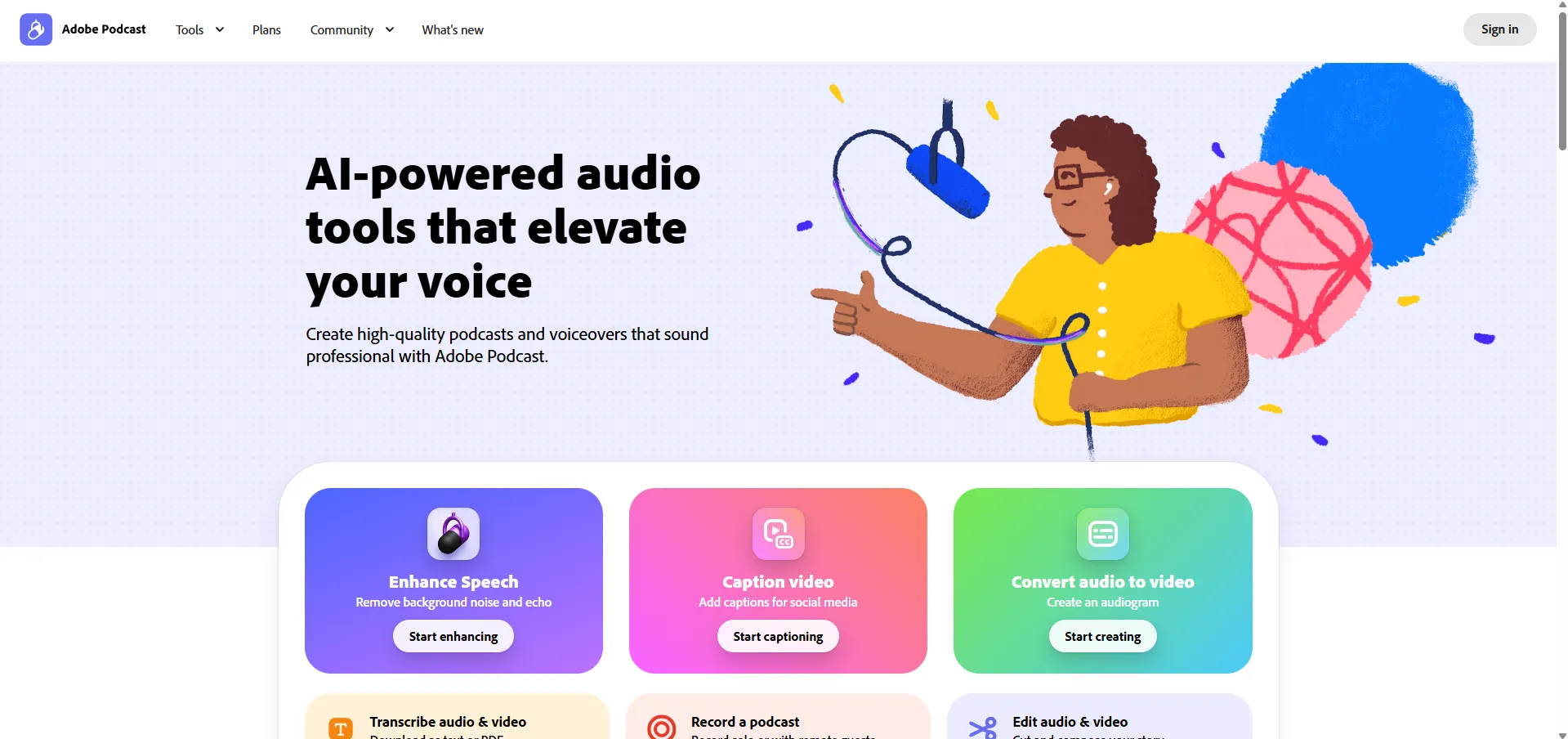
Adobe Podcast is a web-based, AI-powered platform designed for recording, editing, and enhancing spoken audio. It aims to provide professional studio-quality sound without the need for expensive equipment or complex software installations, functioning entirely within a browser.
Key Features
- Enhance Speech: An AI tool that removes background noise and echo, making recordings sound like they were made in a professional studio with a single click.
- Mic Check: Uses AI to analyze your recording environment and microphone setup to ensure optimal audio quality before you start.
- Studio Editor: A text-based audio editor that transcribes audio into words, allowing users to edit audio by cutting, copying, or pasting text, similar to a word document.
- Professional Recording: Supports high-quality 16-bit 48k WAV recording for solo creators or remote guests, ensuring individual tracks are captured even with unstable internet.
- Captioning & Audiograms: Tools to add captions to videos for social media and convert audio files into shareable video audiograms.
- Royalty-Free Music: Access to podcast-ready music collections, including intros, outros, and transitions.
Use Cases
- True Crime Podcasts: Managing multi-track remote interviews and atmospheric editing.
- Class Lectures: Transcribing and cleaning up educational audio for students.
- Audio Newsletters: Quickly producing professional voiceovers for business communication.
- Social Media Content: Creating accessible video content with auto-generated captions and audiograms.
Resources & FAQ Topics
- Remote Guesting: Instructions on how to join a remote recording.
- Workflow Integration: Importing multitrack Zoom recordings into the Adobe Podcast ecosystem.
- System Requirements: Information on browser and hardware compatibility.
- Creator Tips: Guides on branding and key metrics for tracking podcast growth.