PPT Online
VisitTurn a topic or outline into editable slides. Refine text, images, charts, and tables, use original templates, and export watermark-free PPTX or PDF. AI tasks have daily allowances.
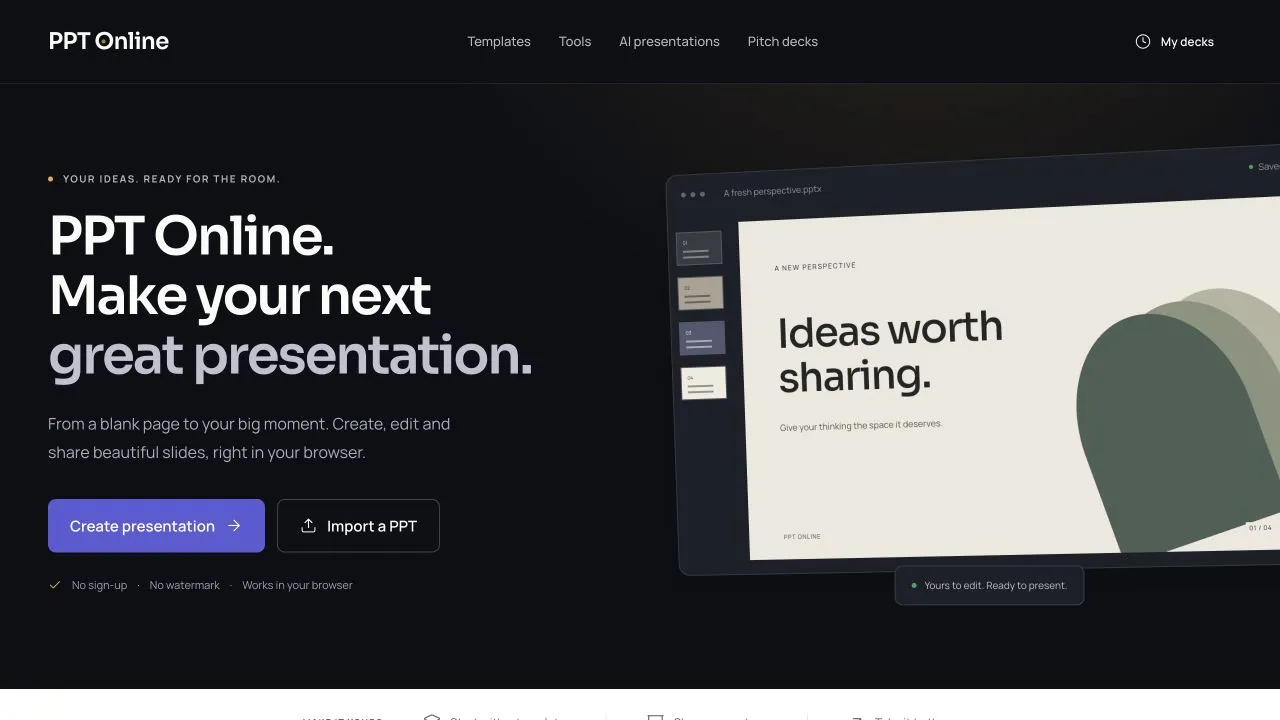
From an idea to editable slides
PPT Online is a browser workspace for creating presentations, refining slide content, and preparing files for a meeting or lesson. Its AI drafting workflow turns a topic or outline into a first draft that stays editable. You can develop the structure with AI, then adjust the actual text, images, charts, and tables in the editor.
This makes the draft a starting point for presentation work. For example, a product update can begin with an outline covering the problem, progress, and next steps. After generating the draft, you can revise the wording, add relevant images, and organize the supporting information before presenting or exporting it. The final content remains yours to review and shape.
Original templates and six themes
You can also begin with a blank deck or choose an original presentation template. The library spans 32 focused categories, including business reviews, pitches, education, marketing, and personal projects. Templates include meaningful outlines and editable content, giving you a structure to build on. Six themes offer a consistent visual direction while you work on the message.
The editor brings text, images, charts, and tables into the same presentation workflow. That is useful when a deck needs both a clear narrative and supporting figures: you can refine the explanation and its visual context in one workspace rather than treating the generated draft as a finished document.
Present, export, and prepare files
PPT Online supports presenting and watermark-free PPTX and PDF exports. PPTX is useful when the next step involves further presentation editing, while PDF offers another format for sharing the material.
Separate file tools cover common preparation tasks, including presentation compression, PDF conversion, translation of editable text, and file preparation. Compression provides image-quality settings and a processing report, with the original available for comparison.
For Google Slides, the workflow prepares a compatible PPTX for you to download and manually import. This gives users a practical route for continuing their work in Google Slides.
Free editing with visible allowances
Editing, original templates, presenting, and exports are free in the current release. New AI and file-processing tasks have daily allowances displayed in the product. The displayed allowances help users plan new AI and processing tasks.
PPT Online suits people preparing pitches, work updates, lessons, and other presentations who want AI assistance alongside direct control over the slides.