Upscale.media
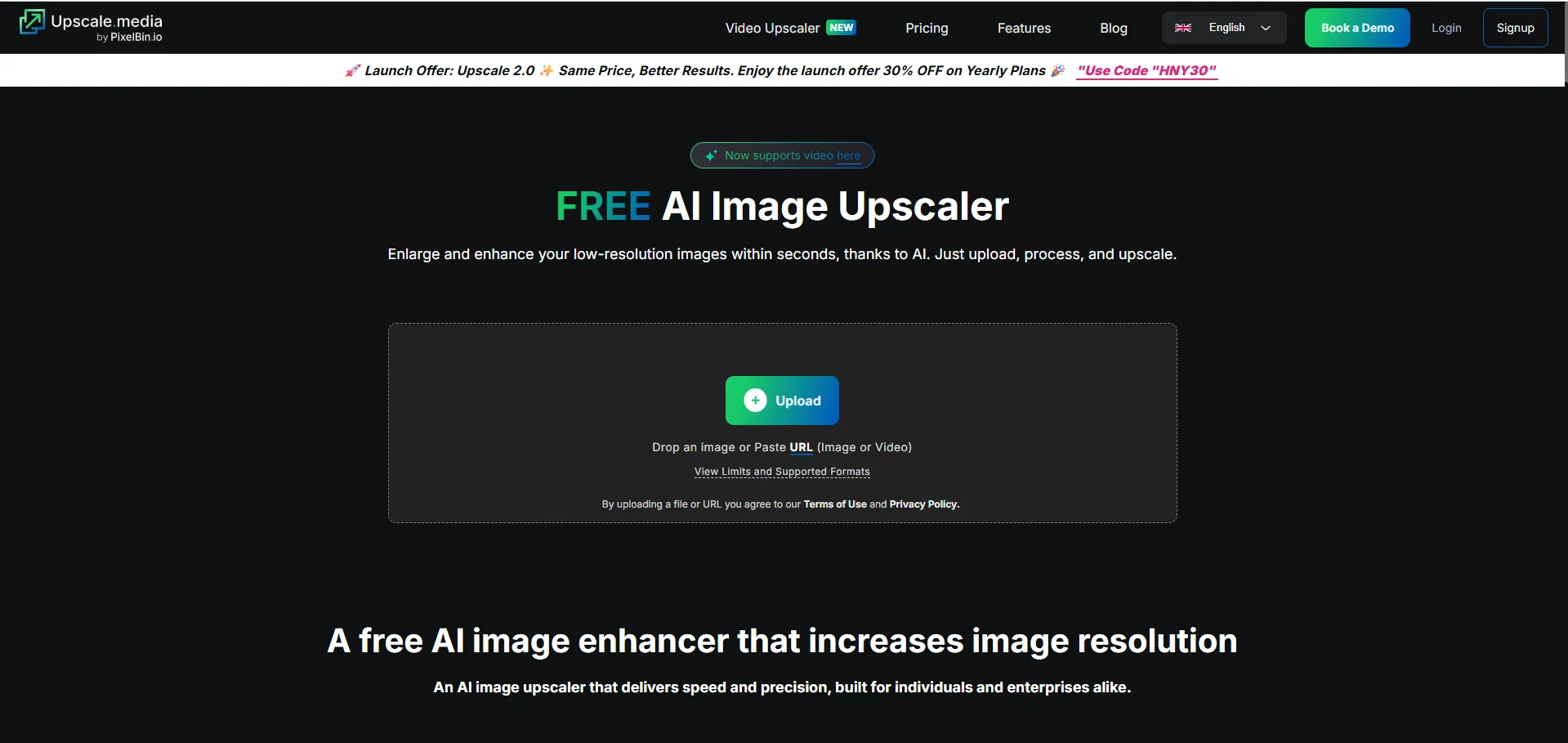
VisitEnlarge and enhance your low-resolution images within seconds, thanks to AI. Just upload, process, and upscale.
What is Upscale.media?
Upscale.media is an AI-powered image upscaling tool designed to enhance and enlarge photos while maintaining high quality. It uses advanced computer vision and deep learning algorithms to restore details in low-resolution images, allowing users to upgrade images up to 8x their original size without losing clarity.
Key Features
- AI-Powered Upscaling: Automatically increases image resolution by predicting and generating missing pixels.
- Enhancement Levels: Offers options for 2x, 4x, or 8x enhancement with a single click.
- Bulk Transformation: Allows users to transform multiple images simultaneously to eliminate repetitive tasks.
- No Technical Skills Required: A simple drag-and-drop interface that works instantly in the browser.
- Support for Multiple Formats: Compatible with PNG, JPG, JPEG, and WEBP.
- API Integration: Provides powerful APIs for businesses to integrate the tool into existing workflows.
- No Watermarks: Delivers high-definition results for free without adding watermarks.
Use Cases
- eCommerce Sellers: Improving product shots to increase customer trust and conversion rates.
- Real Estate Professionals: Polishing property photos to highlight interiors and exteriors for listings.
- Photographers & Designers: Restoring old or grainy photos and removing noise for portfolio upgrades.
- Anime Fans & Artists: Sharpening fan art and digital illustrations without blurring for prints.
- Social Media Creators: Enhancing blurry selfies, travel photos, or memes for professional-looking content.
Frequently Asked Questions (FAQ)
- Can you upscale a photo without losing quality? Yes, AI upscaling reconstructs details rather than just stretching pixels, which preserves quality.
- Does it work on mobile? Yes, it can be used directly on a mobile browser without installing any software.
- Is it better than manual resizing? Yes, because the AI adds realistic details and sharpens edges, whereas manual resizing often results in blurring.
- Can it enhance artwork or anime? Yes, it works exceptionally well for sharpening lines and colors in digital art and illustrations.