Freepik AI
VisitTry the ultimate Image Generator. Access the most advanced AI models and create AI images with just a prompt or an image reference.

What is Freepik AI Image Generator?
It is a comprehensive creative platform within the Freepik AI Suite that allows users to generate art-directed, high-quality images using advanced AI models. It supports both text-to-image (prompts) and image-to-image (references) workflows, aiming to provide professional-grade visuals with consistency and speed.
Key Features
- Multi-Model Access: Integration with various top-tier models including Google (Imagen 4, Nano Banana), Flux, Ideogram, GPT, and Runway.
- Visual Consistency: Use reference images to maintain a specific style or train your own models for brand consistency.
- All-in-One Editor: Tools to edit images, remove objects, and change aspect ratios without leaving the platform.
- High-Speed Generation: Options to choose between "Fast" results for quick iterations or "Ultra" quality for pixel-perfect detail.
- Advanced Control: Features like "Nano Banana" allow for one-shot edits and precise scene variations.
- API Integration: A dedicated AI Image Generation API for automating visual workflows at scale.
Use Cases
- Product Photography: Creating consistent AI product images using specific object features.
- Marketing & Branding: Generating AI influencers or brand-aligned social media posts.
- Content Creation: Designing eye-catching YouTube thumbnails and blog visuals.
- Graphic Design: Transforming doodles into professional art via "Sketch to Image."
- Professional Workflows: Scaling production for enterprises using custom styles and private projects.
FAQ (Summary)
- Is it free? The site offers "Relax Mode" for unlimited generations on selected models for premium users, while also providing free access with credit limits.
- Can I use it for commercial purposes? Yes, users can generate images for commercial use (subject to plan terms).
- Which models are included? It includes Google Imagen 4 (Fast/Ultra), Nano Banana Pro, Flux, Ideogram, and Freepik’s own GPT/Seedream models.
- Does it support reference images? Yes, you can use reference images to guide the structure and style of the generation.
- What formats are supported? It supports standard image formats and provides SVG downloads for AI-generated images on higher-tier plans.
Similar to Freepik AI
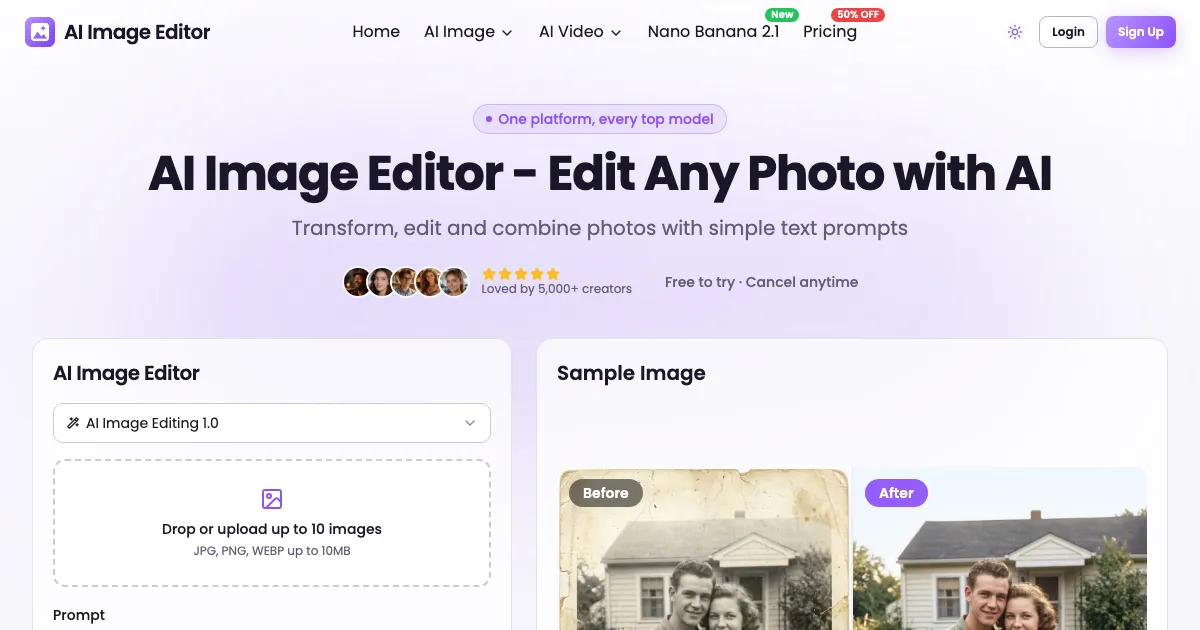
Generate and edit photoreal images with Seedream 5.5: accurate text, transparent PNG output, and stable multi-round edits in your browser.
Bezio gives creators precise control over AI image and video composition, lighting, framing and motion, so they can refine results instead of rerolling.
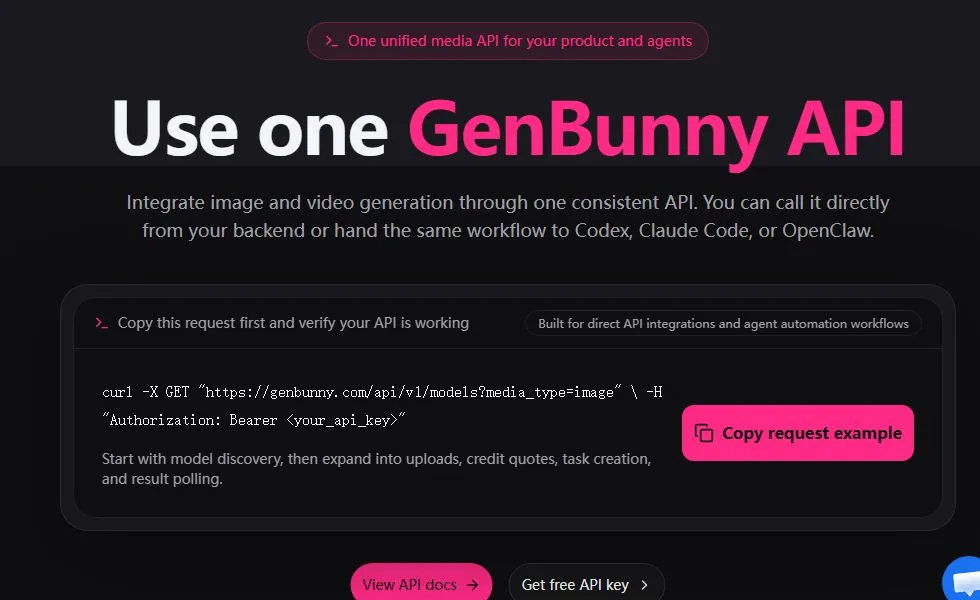
Create AI images and videos with multiple models, reference-image editing, credit estimates, asset management, and API access in one browser workspace.
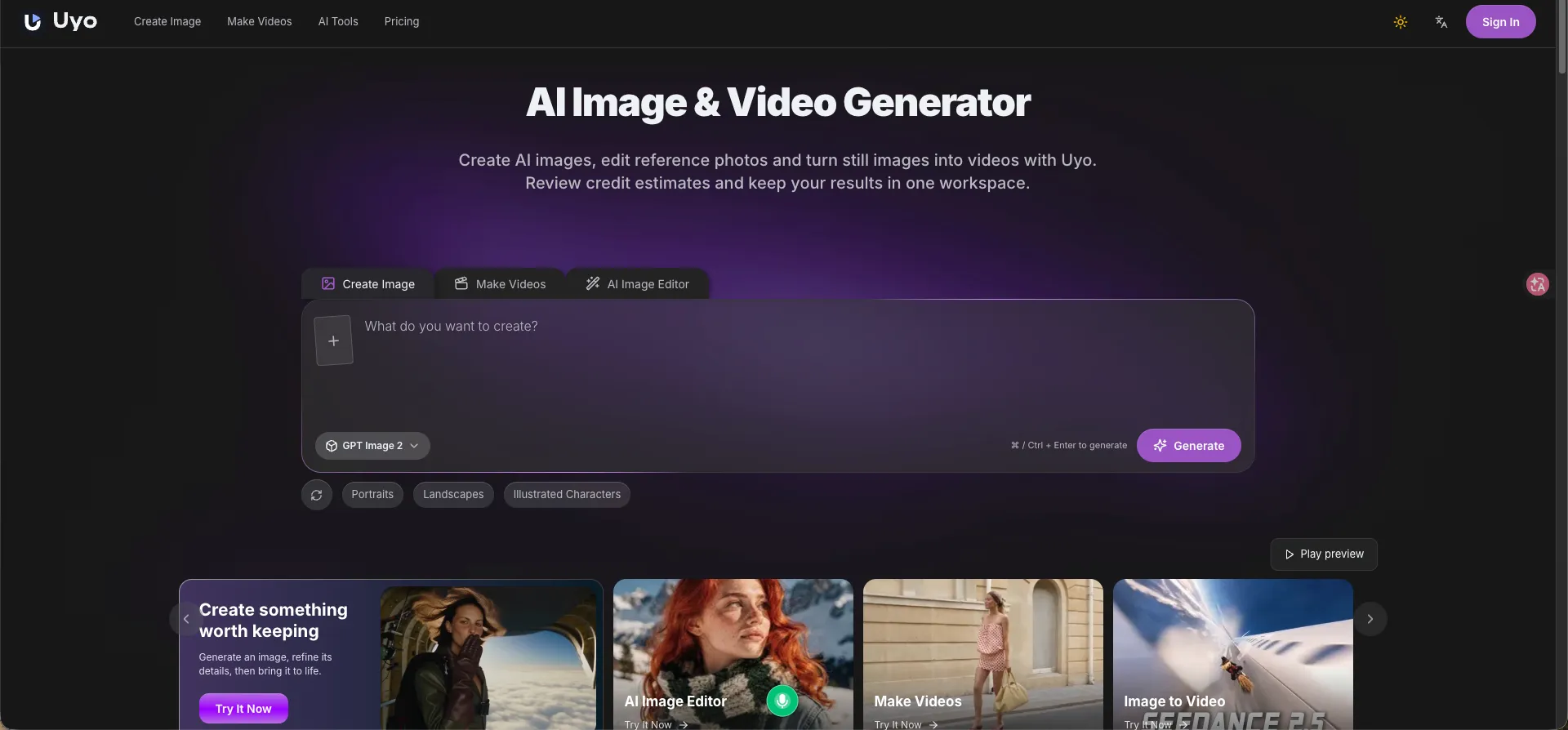
Uyo is a browser-based AI studio to generate images from text, edit photos, upscale images, remove backgrounds, and create videos from text or still images.