WordOnline
VisitOpen, edit and merge Word documents in your browser, then export DOCX or PDF. Core editing needs no account or desktop installation; document content stays on your device.
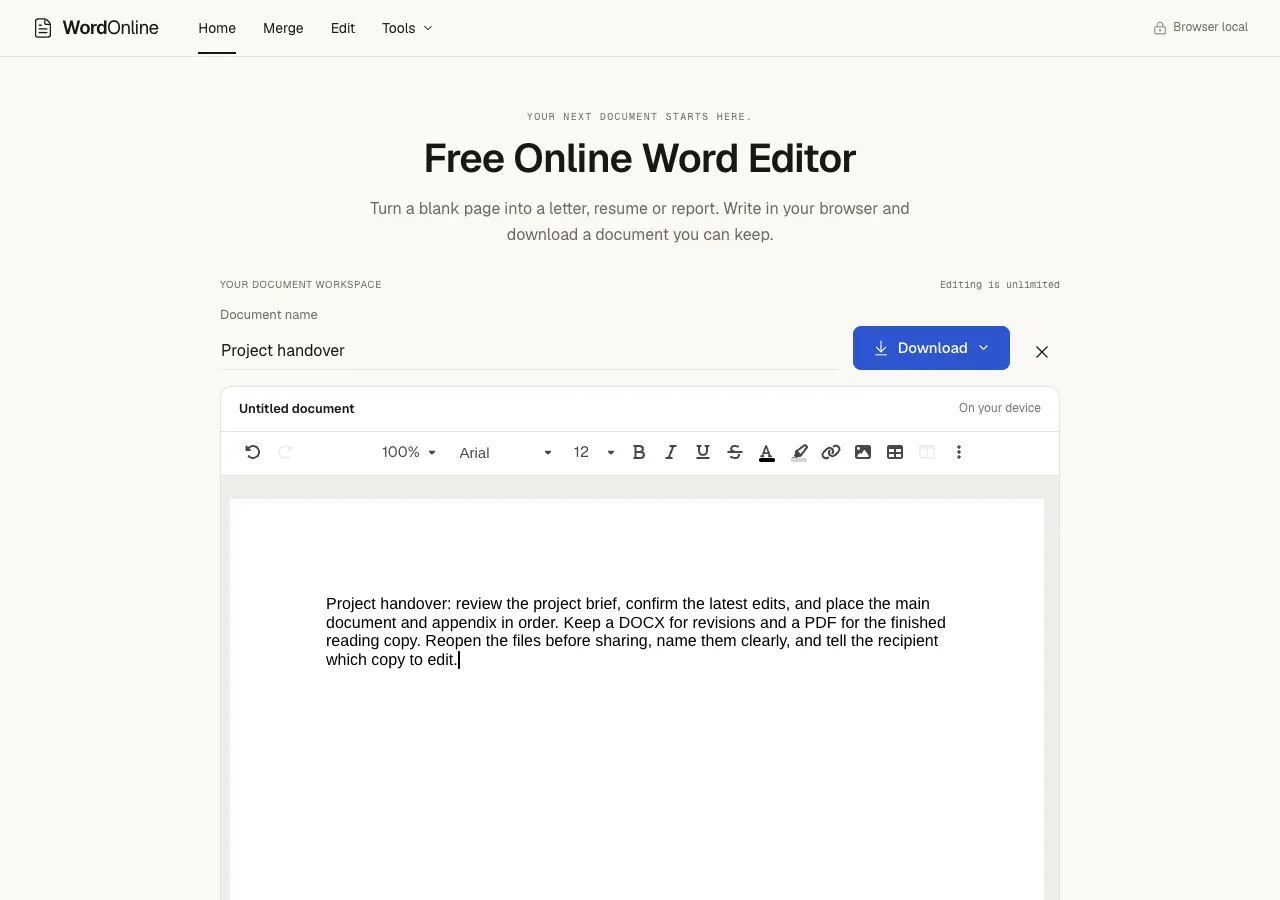
A browser workspace for Word document handoff
WordOnline helps you turn a draft or a set of files into a document you can pass on. Open a DOC or DOCX file, edit its text and layout, combine documents in a chosen order, and export a DOCX for further editing or a PDF for reading.
Useful for
- Preparing meeting notes, a project update or a client handoff.
- Making a final edit without installing desktop office software.
- Combining several Word files into an ordered deliverable.
- Checking the downloaded document before sharing it through your own preferred channel.
How it works
- Open a document or start a working copy in the browser.
- Edit the content and check headings, images, tables and page breaks.
- If you have several files, choose their merge order.
- Export the format you need and reopen the downloaded file to check it.
Core editing needs no account or desktop installation. Document content is processed locally in the browser.
Free usage
Editing is free. Conversion, merge and download tasks share 10 successful tasks per browser per day. Each file can be up to 25 MB, and a merge can contain up to 20 files.
WordOnline is a non-AI utility: it does not generate AI text or call an LLM API. It can be used after a writing workflow when the remaining task is to edit, assemble and deliver the actual Word document or PDF.
Submitted by someone who works on WordOnline.
Similar to WordOnline
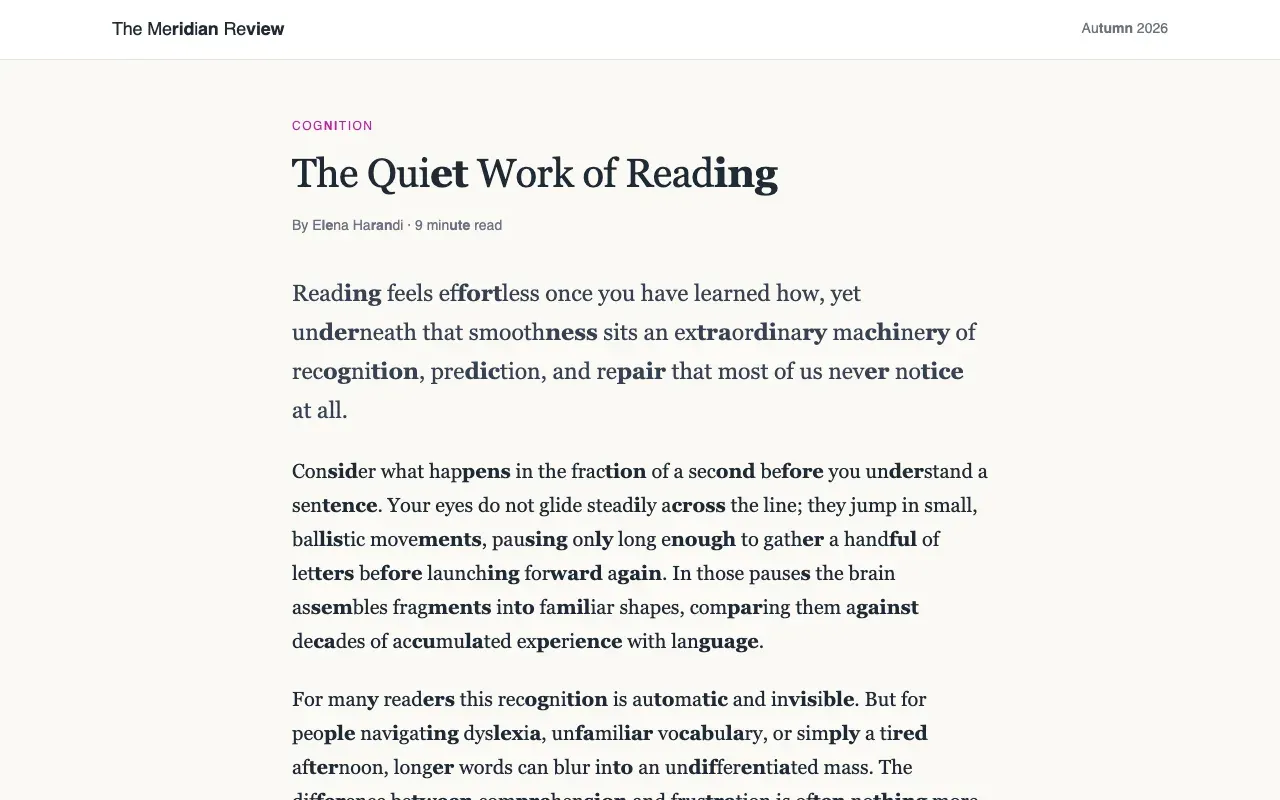
Reader Assist is a free Chrome extension that makes web pages easier to read for dyslexia, ADHD, and new readers.
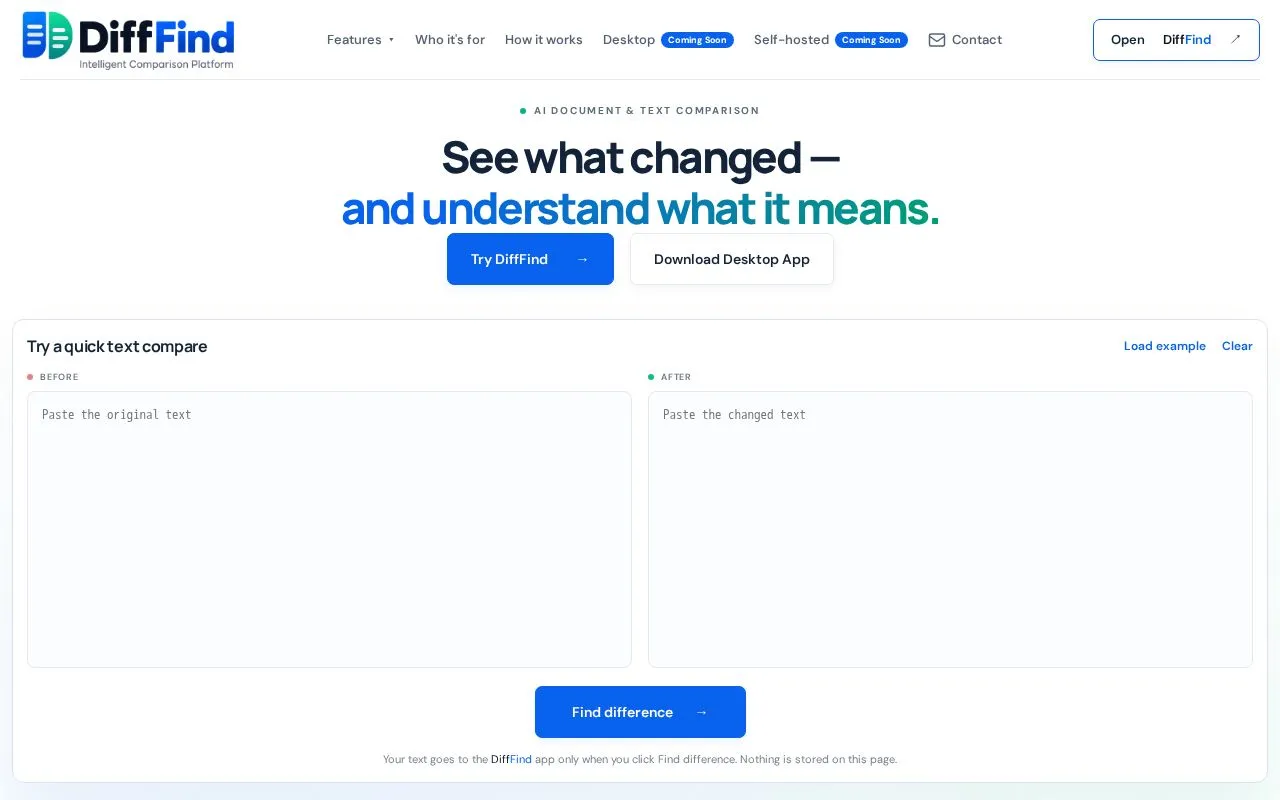
DiffFind helps you compare text, documents, and API requests with AI-powered analysis for meaningful insights.
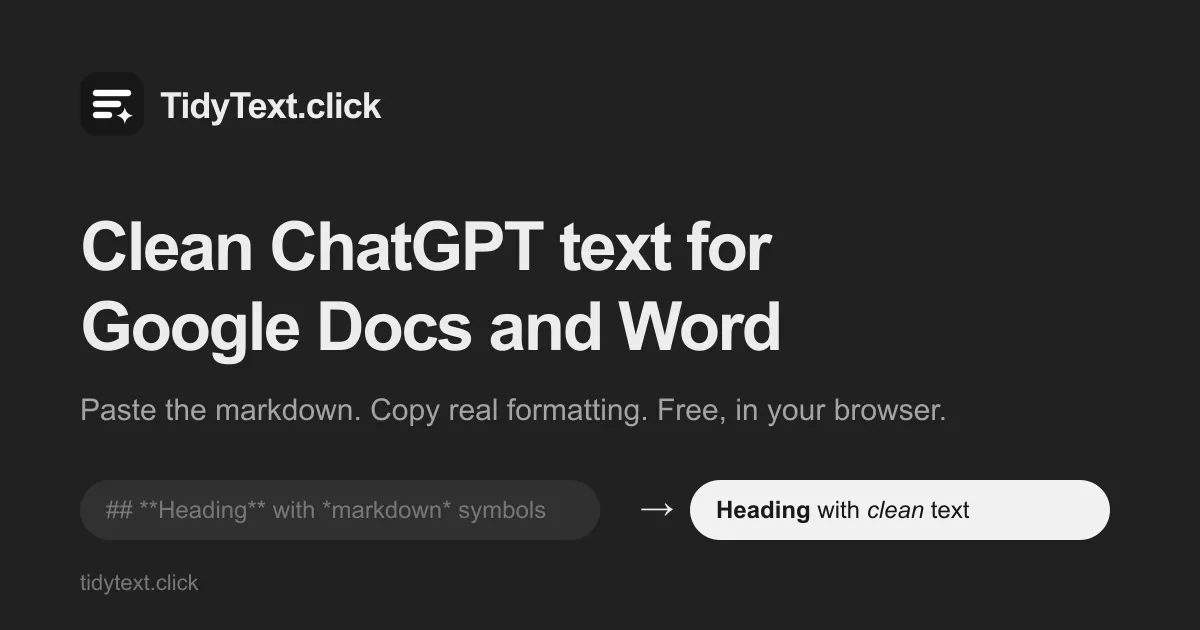
Paste a ChatGPT, Claude or Gemini answer and copy it out as real headings, lists, tables and code for Google Docs, Word or Gmail. Free, no sign-up.
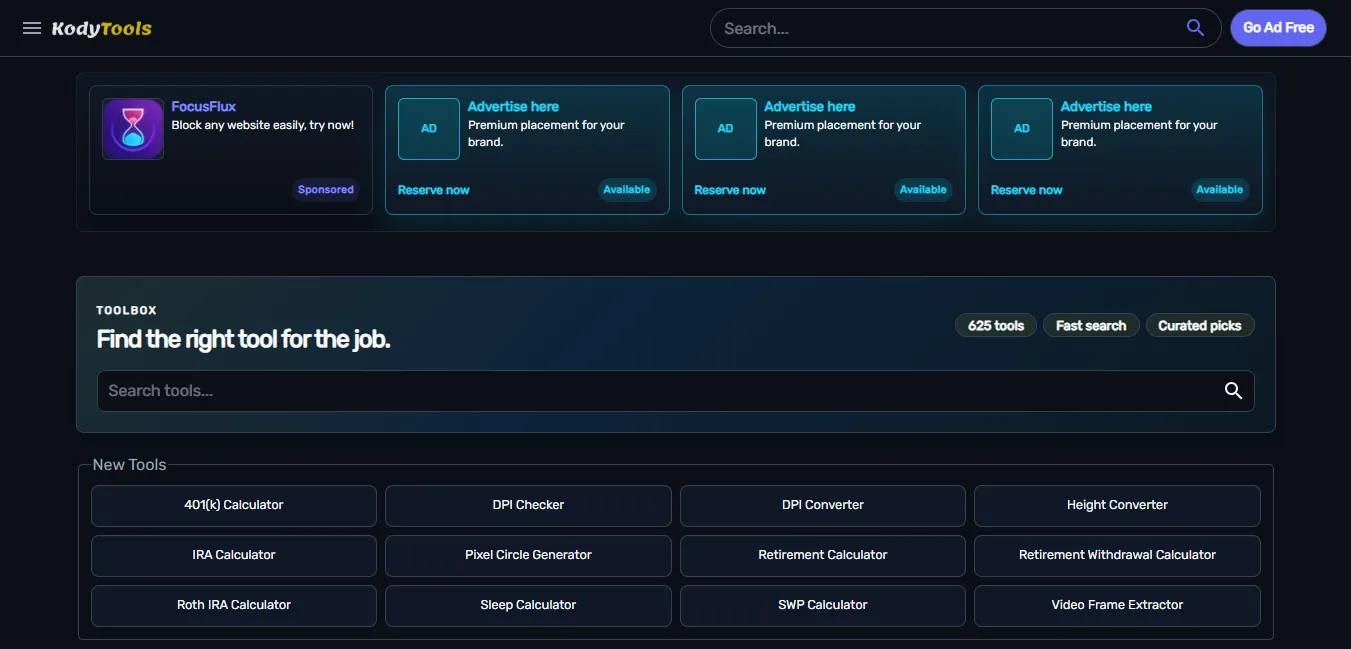
Free collection of online developer utilities, code formatters, and digital converters designed to streamline your daily workflow.