Discover the best image generation models in 2025, ranked by quality, realism, and prompt accuracy. See why Nano Banana Pro leads the field and how to use it instantly at bananakit.ai.
How to Visit Listed Tools from AIArt.Tools and Earn Submission Credits
AIArt.Tools Team
2026/05/18
AIArt.Tools gives users free submission credits when they visit listed tools from the directory. Each valid tool visit earns 1 credit, and credits can be used to submit your own AI product to AIArt.Tools.
How it works
When you browse AIArt.Tools, you will find many listed AI tools. To earn a credit, open one of the listed tools from AIArt.Tools by clicking its visit button or website link.
Each valid click helps confirm that you are actively exploring tools in the directory. After the visit is recorded, 1 credit will be added to your account.
Step 1: Open a listed tool page
Go to AIArt.Tools and choose any listed AI tool from the directory, category pages, search results, or ranking pages.

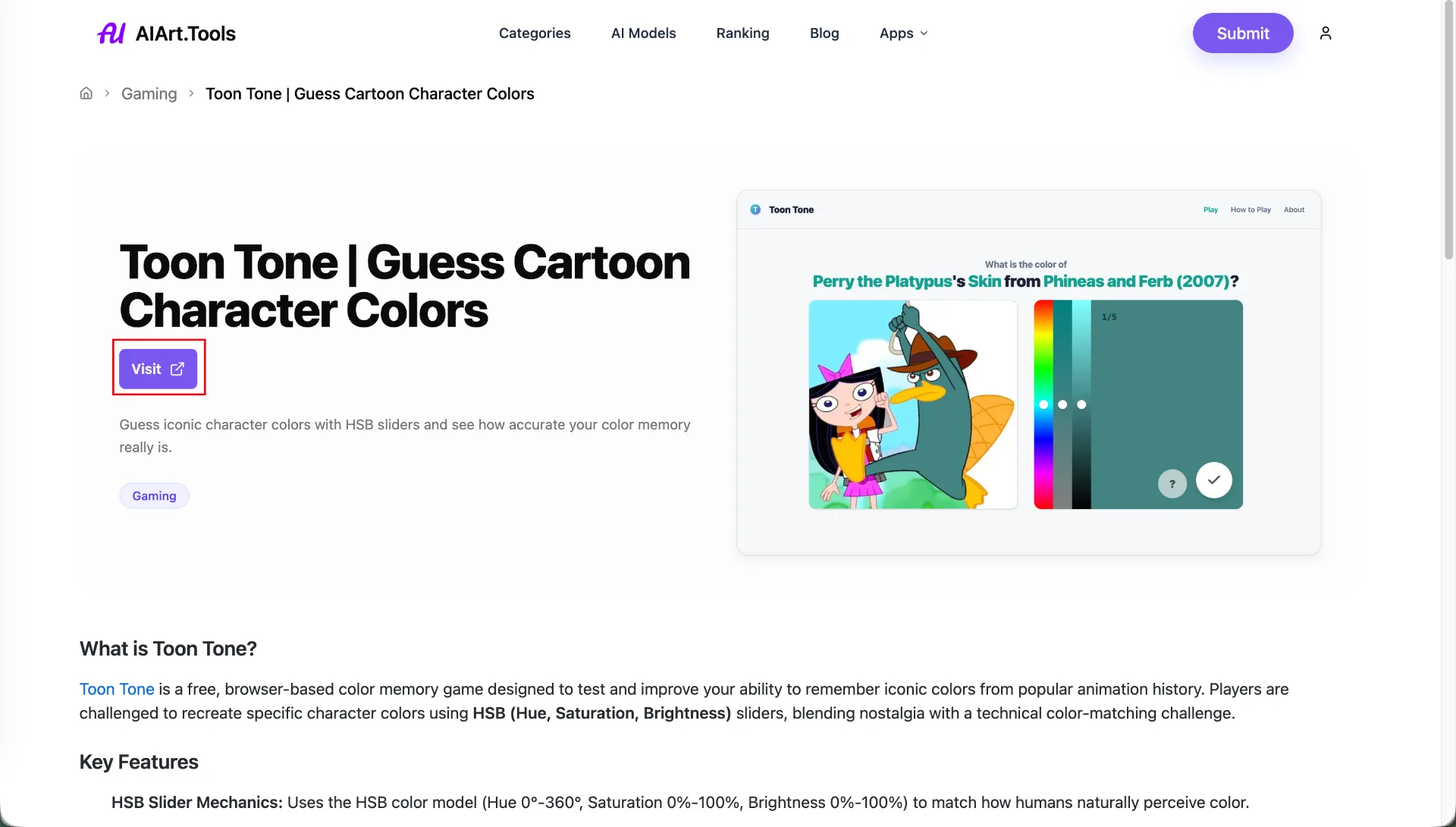
Click the visit button.
Step 2: Click the visit button
Or go to the tool detail page, click the button that opens the tool's official website. This visit is counted by AIArt.Tools.
How many credits do I need?
Submitting a tool requires 5 credits. Since each valid visit earns 1 credit, you need to visit 5 listed tools before submitting your own product.
Important notes
Credits are free.
Only visits started from AIArt.Tools are counted.
Repeated or invalid visits may not always generate additional credits.
Make sure you are signed in before visiting tools if you want the credits to be added to your account.
Ready to submit your tool?
After you have enough credits, return to the Submit Tool page and complete the submission form with your product name, website URL, logo, categories, and description.