Free AI timeline maker
VisitCreate, edit, and share beautiful timelines with AI Timeline Maker. Generate events, import documents, collaborate, and export visuals in minutes for projects,
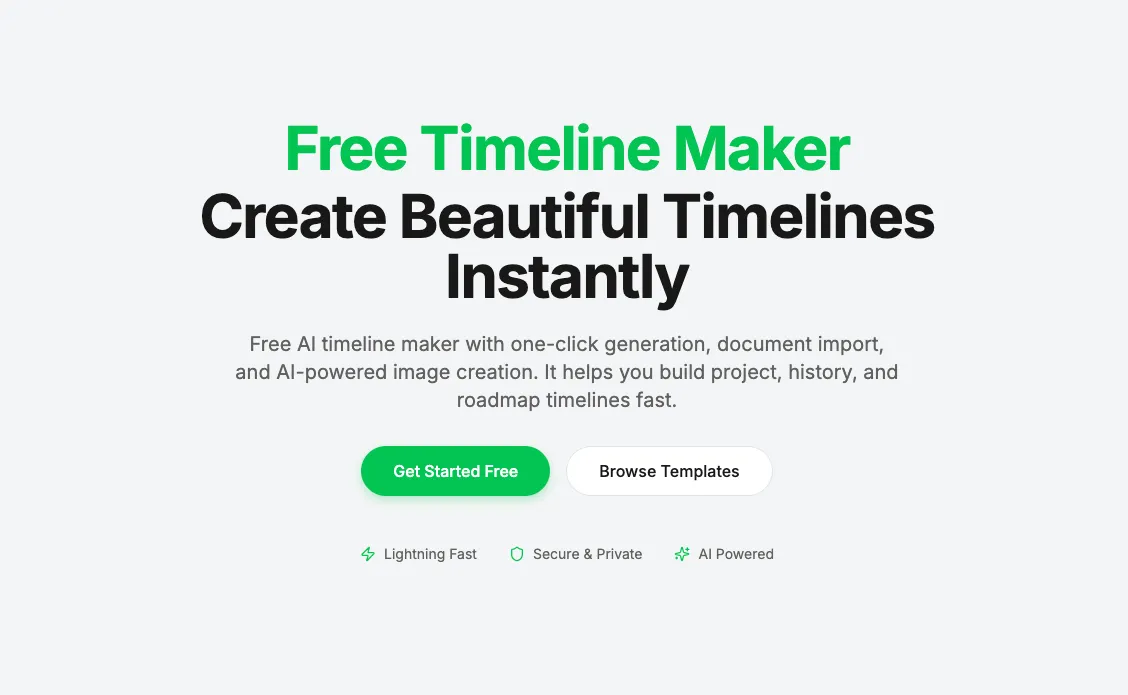
AI Timeline Maker at timeline-maker.org is a modern, AI-powered online timeline creation tool designed to help individuals and teams build beautiful, informative timelines quickly and intuitively. It combines automated intelligence with a flexible editor so users can generate timelines from simple text, imported documents, or blank templates, and then customize them for any purpose—from project planning to historical storytelling. With one-click AI generation, you can simply describe what you want in natural language and the system will structure a chronological timeline automatically. It also supports document import — allowing users to upload PDFs, Word documents, or plain text and have all dates and events extracted instantly into editable timeline segments. Collaboration features make it easy to invite teammates to edit and comment in real time without switching platforms, while secure, responsive design ensures timelines look great on desktop, tablet, or mobile. Once finished, timelines can be exported in multiple formats such as image (PNG), PDF, PowerPoint, Word or even Excel — perfect for presentations, reports, and sharing. Popular use cases include: • 📊 Project Management: Plan milestones and track progress. • 📚 Education & History: Visualize events in chronological order. • 🧠 Personal or Life Stories: Capture memories, highlights, and timelines of achievements. • 🚀 Company Roadmaps: Showcase product evolution or company history. Overall, AI Timeline Maker aims to make timeline creation faster, smarter, and more collaborative — powered by AI but still fully customizable by users.
Similar to Free AI timeline maker
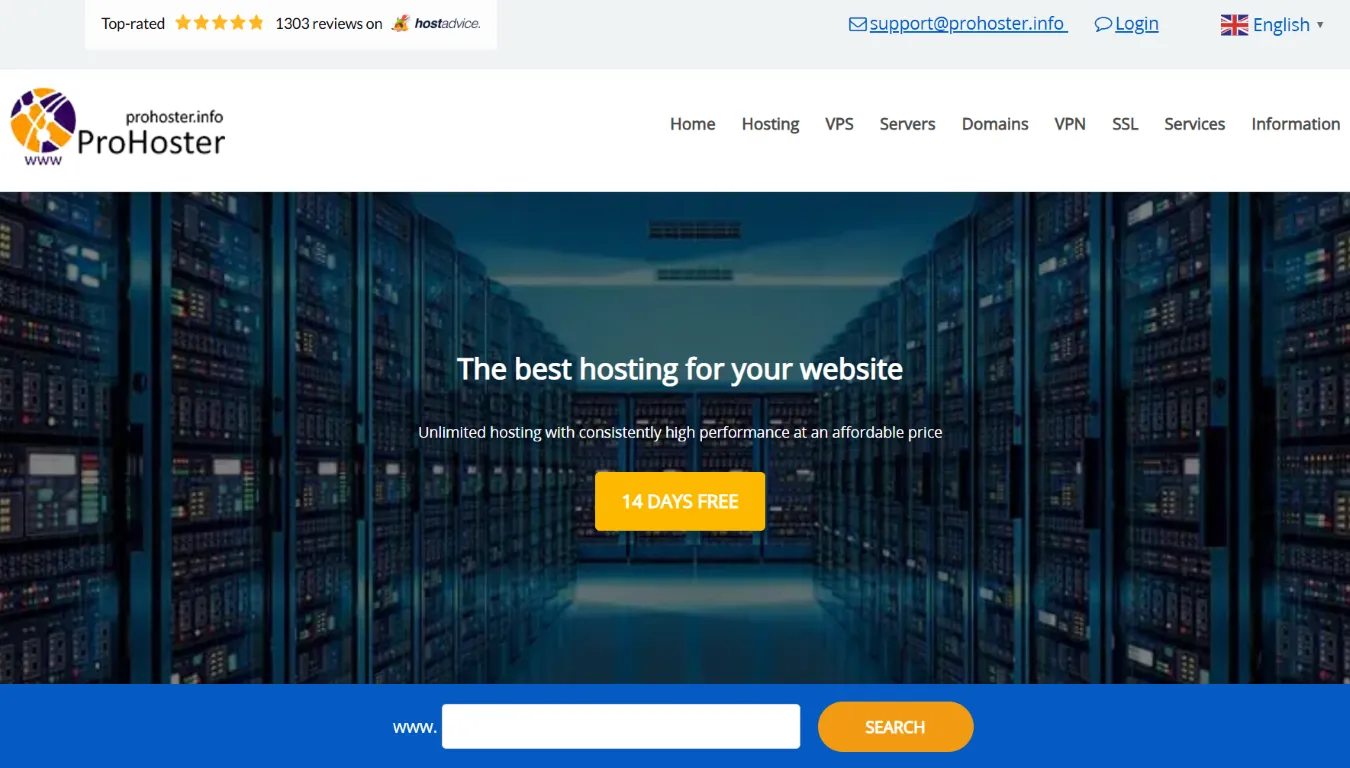
ProHoster offers NVMe VPS, unlimited hosting, dedicated servers, and VPN. All plans feature DDoS protection, root access, and instant deployment.
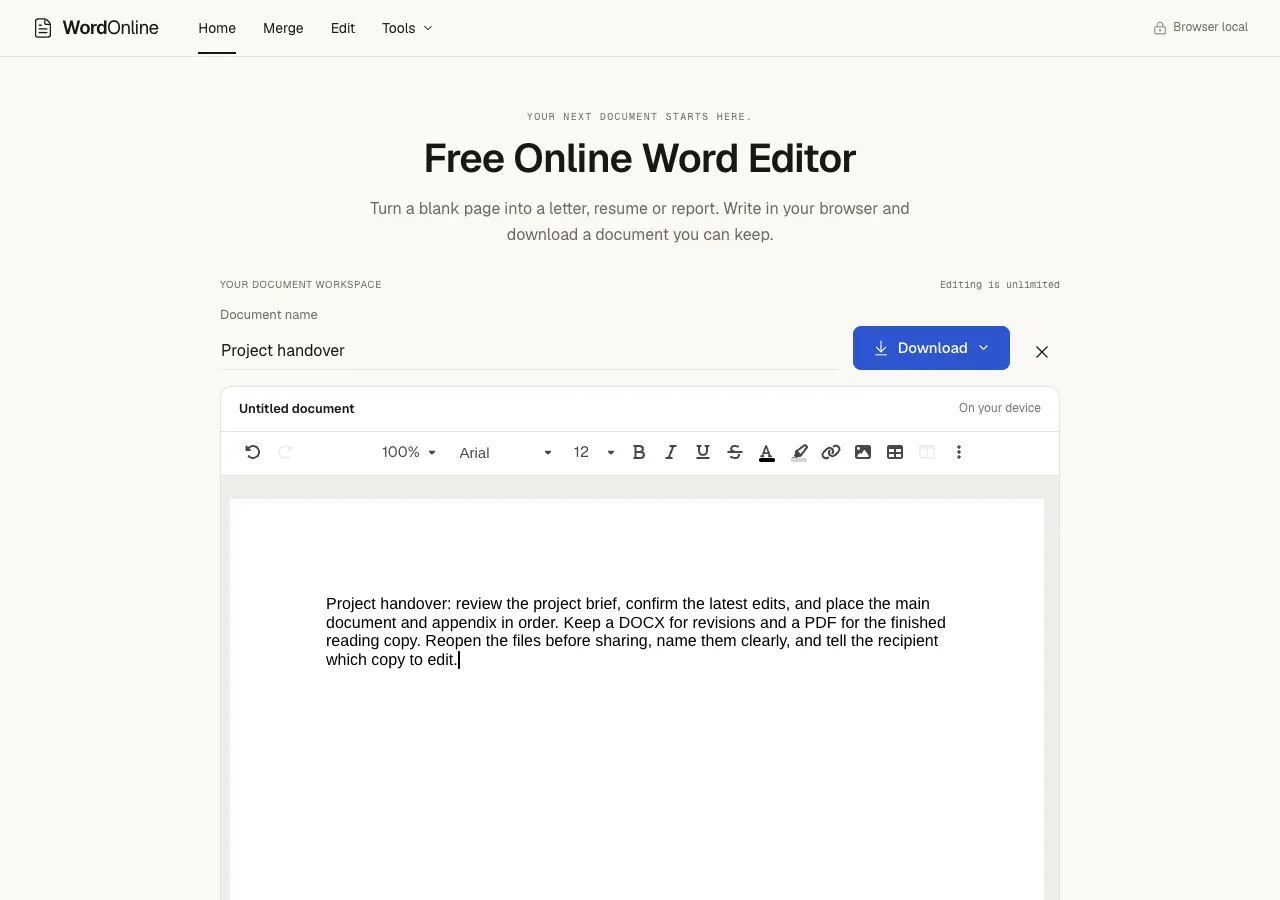
Open, edit and merge Word documents in your browser, then export DOCX or PDF. Core editing needs no account or desktop installation; document content stays on your device.
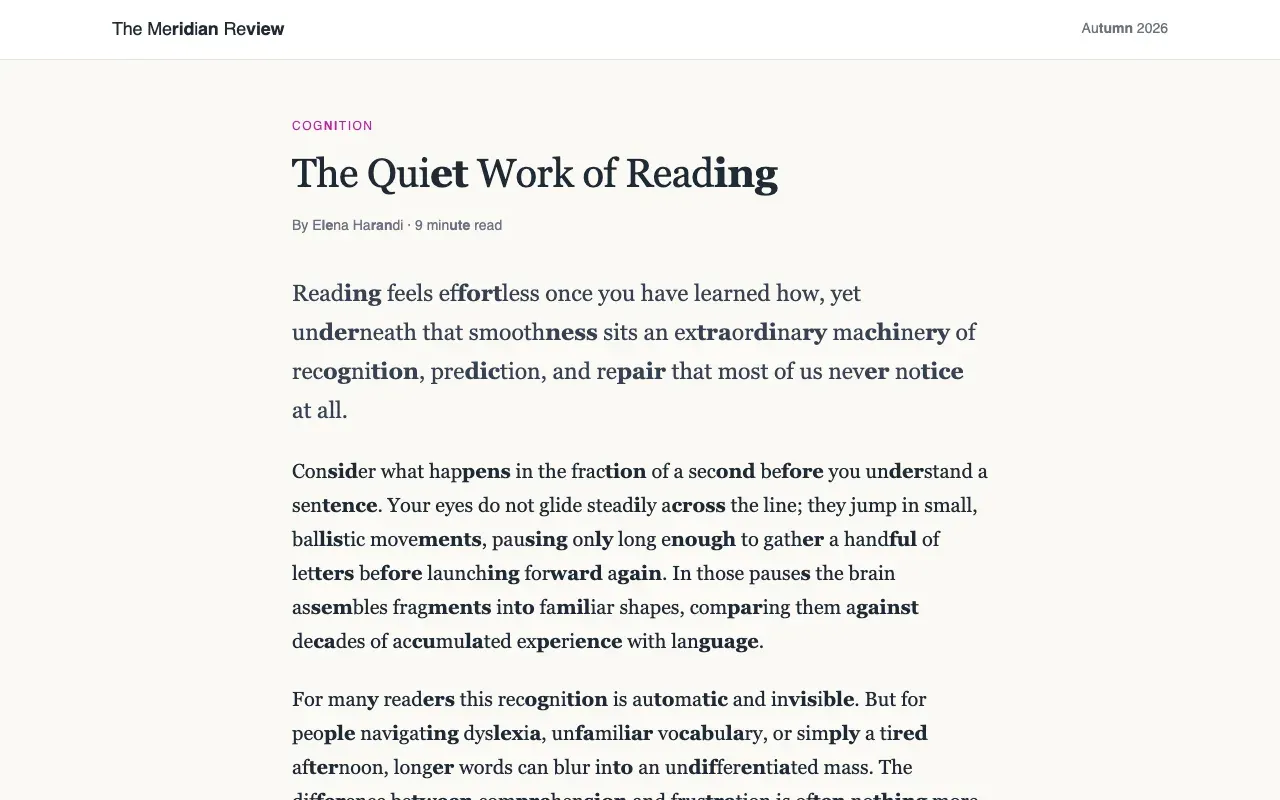
Reader Assist is a free Chrome extension that makes web pages easier to read for dyslexia, ADHD, and new readers.
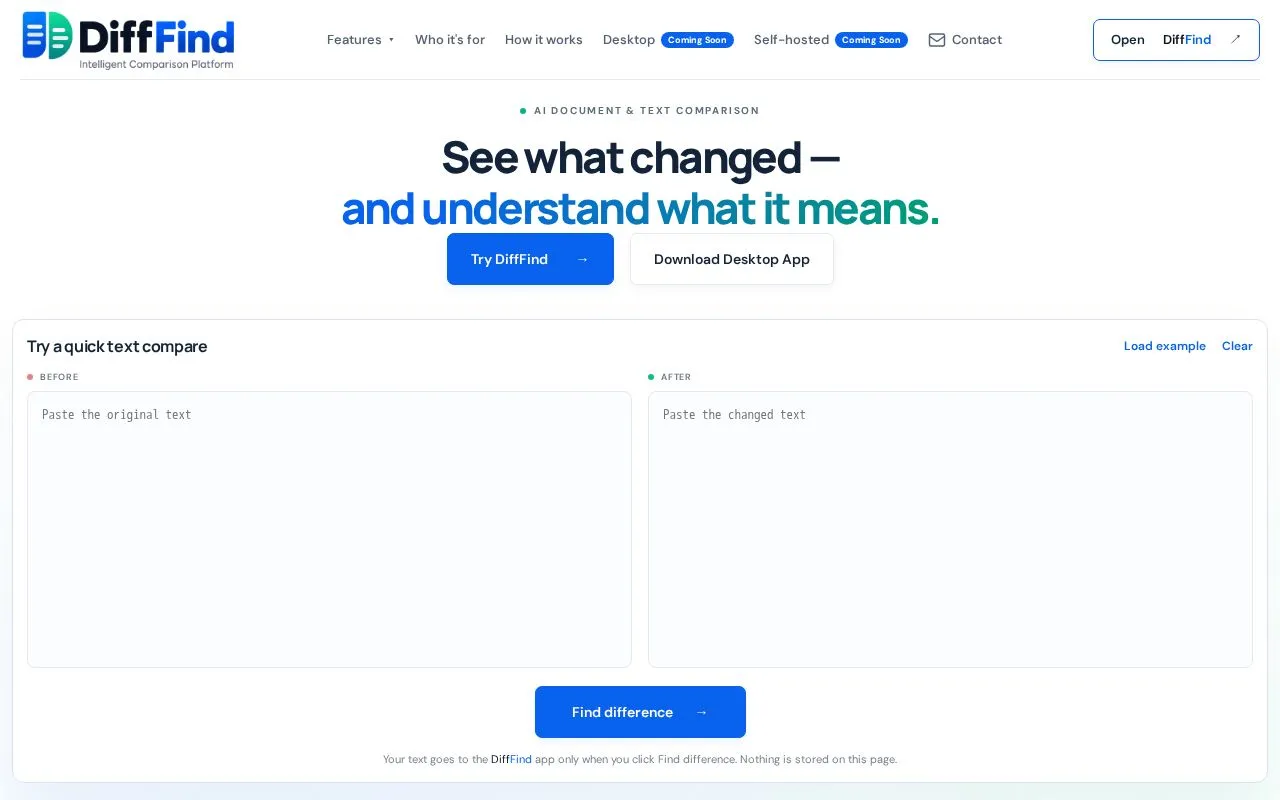
DiffFind helps you compare text, documents, and API requests with AI-powered analysis for meaningful insights.